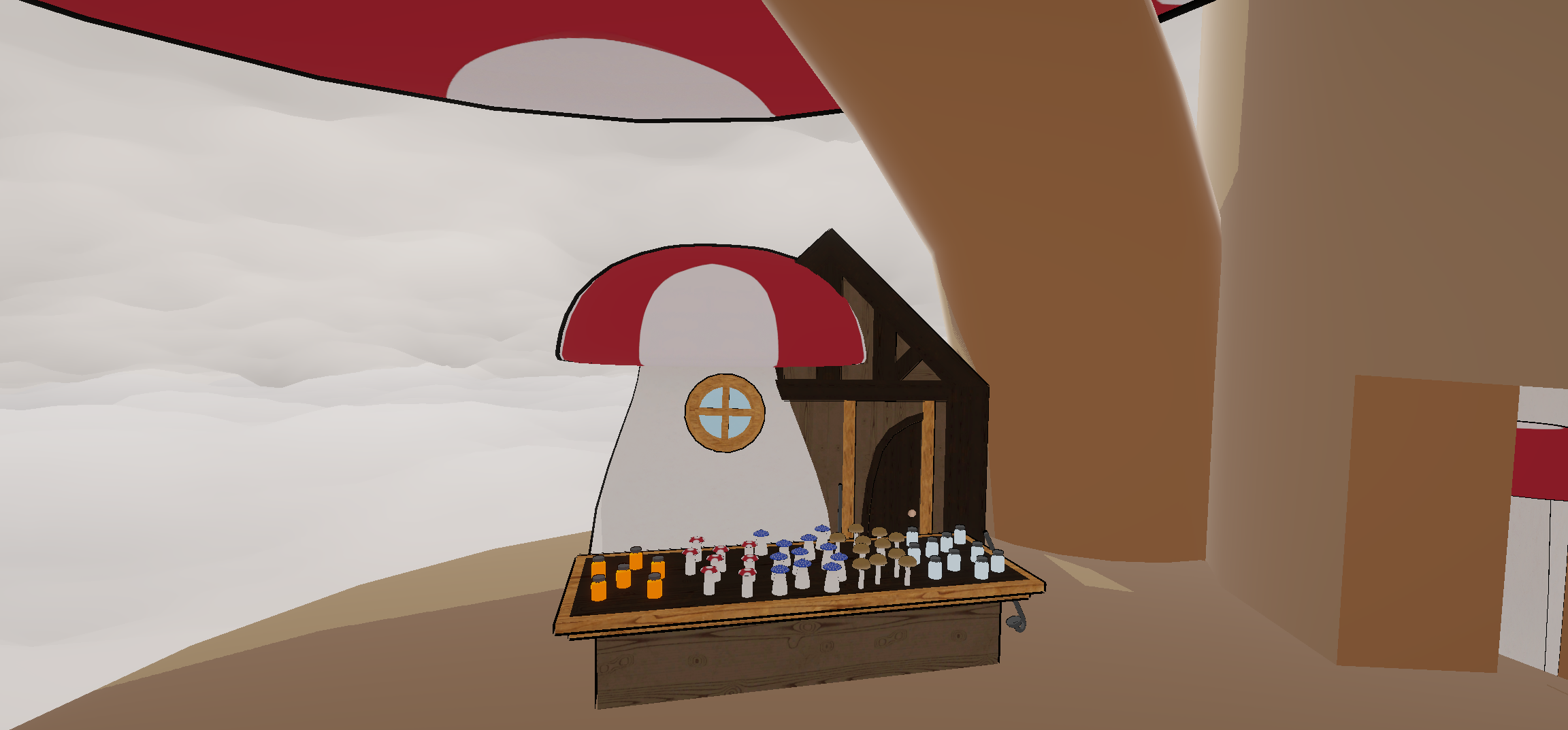
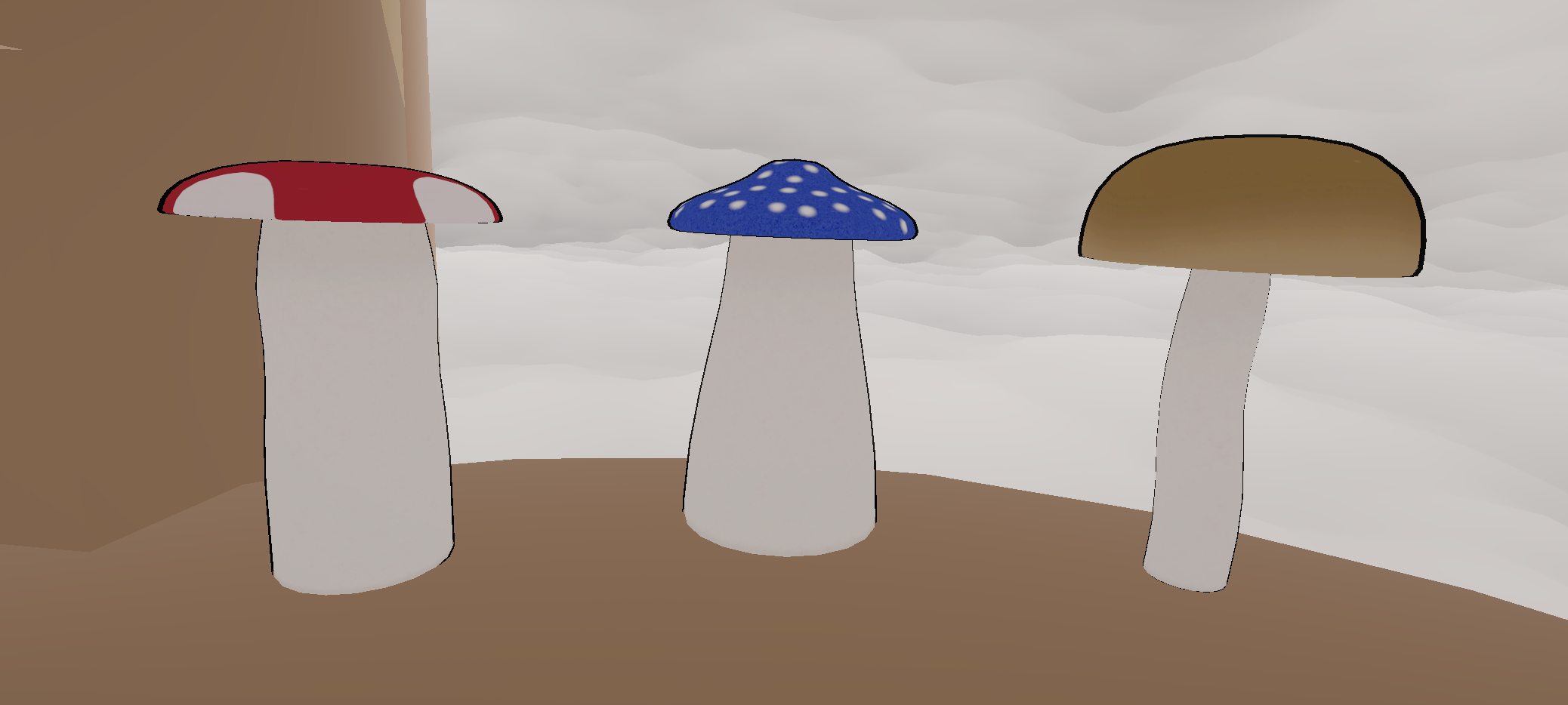
The stage has been set! I was able to model, texture and arrange the mushrooms, modular building pieces, and a few other items to fill out the Shroom Shop and tree hollow!
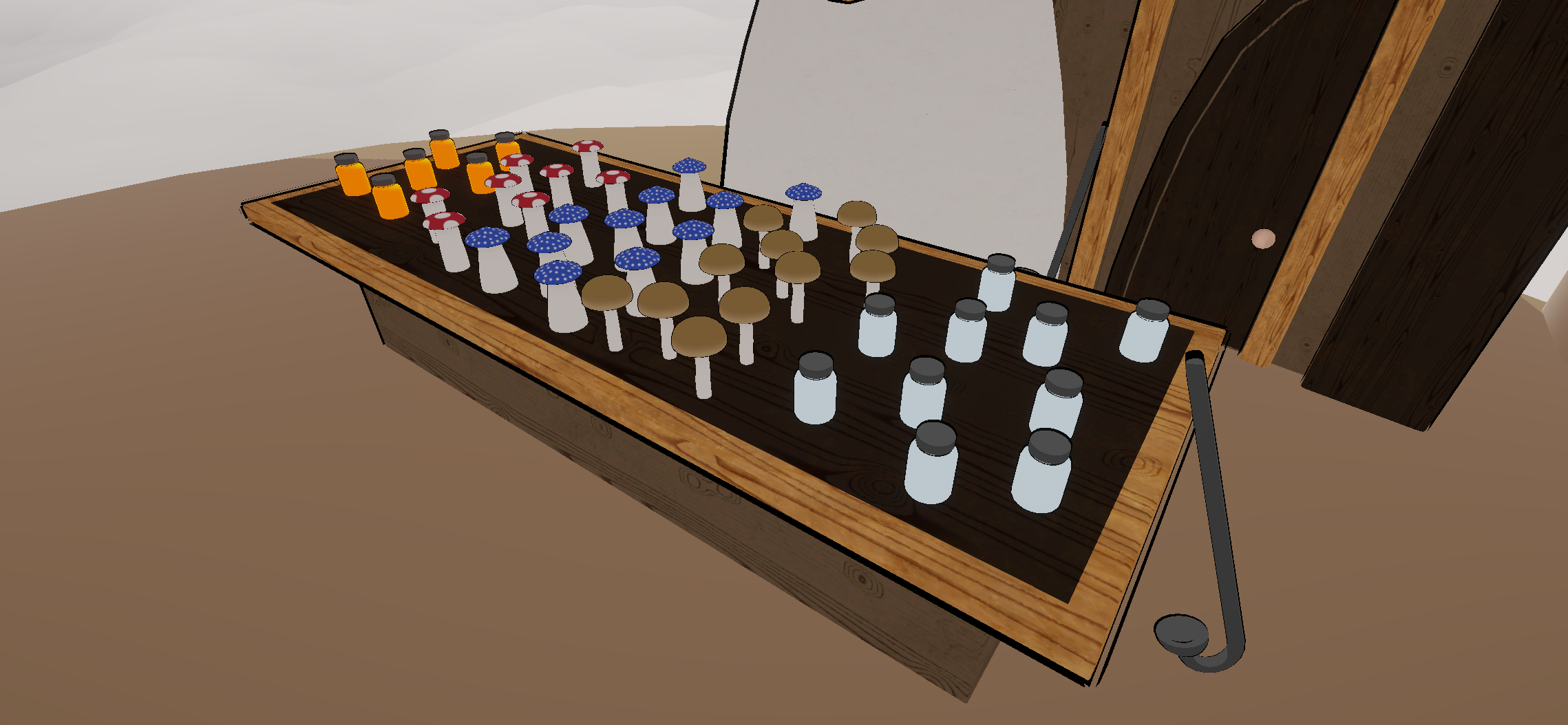
In terms of clutter, I filled out the shop with items important to the people who live here – jars of sap, the empty jars and sap scoopers to collect them, and, of course, mushrooms!
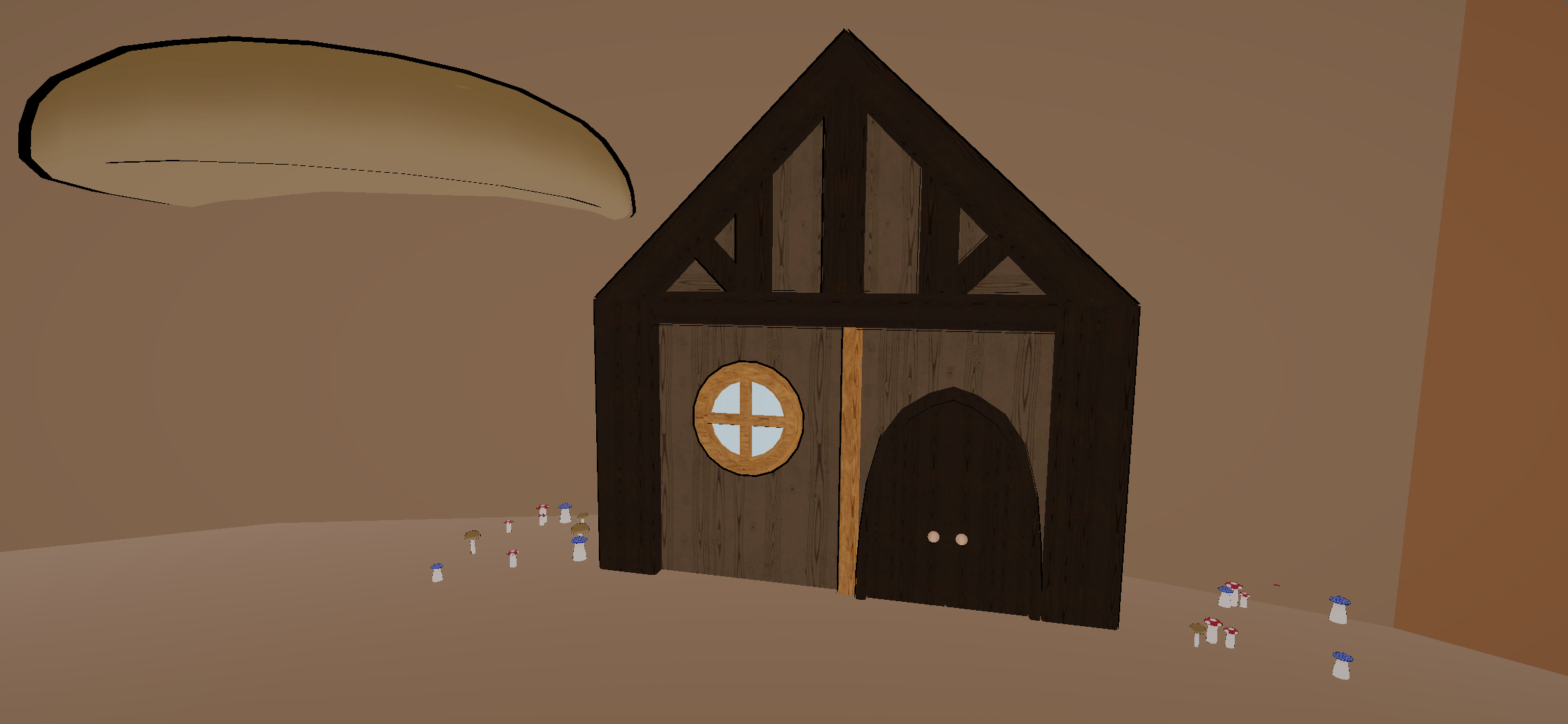
The modular building pieces let me make a couple buildings for the mushroom folk to live in, and the mushrooms double as both set dressing to scatter around and platforms to climb on.
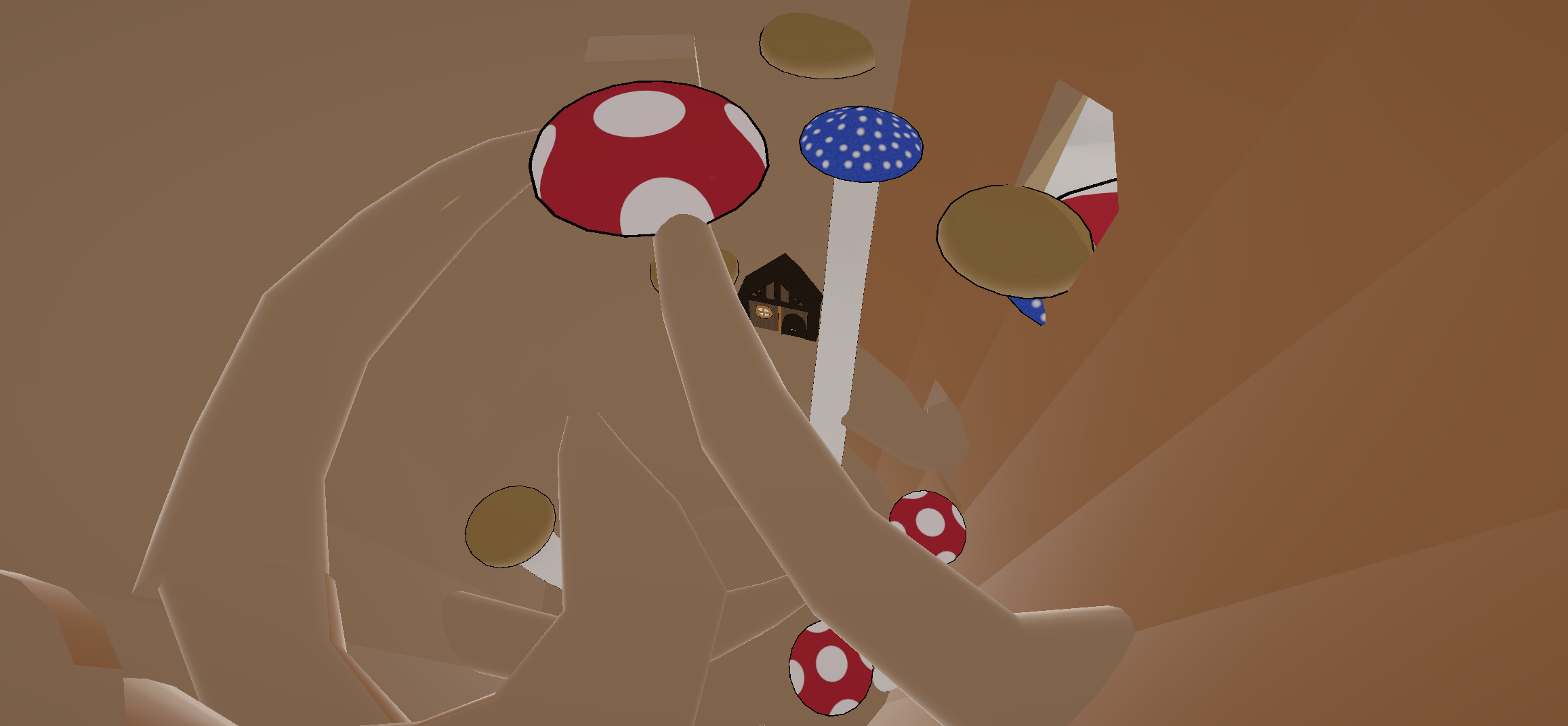
The tree itself and its branches are unfortunately still a low-poly greybox, just with a material applied to make them look a little better. Unfortunately the tree isn’t as modular as the things that fill it, so I’ll have to dedicate some time to creating proper assets for it, which I do hope to get to.
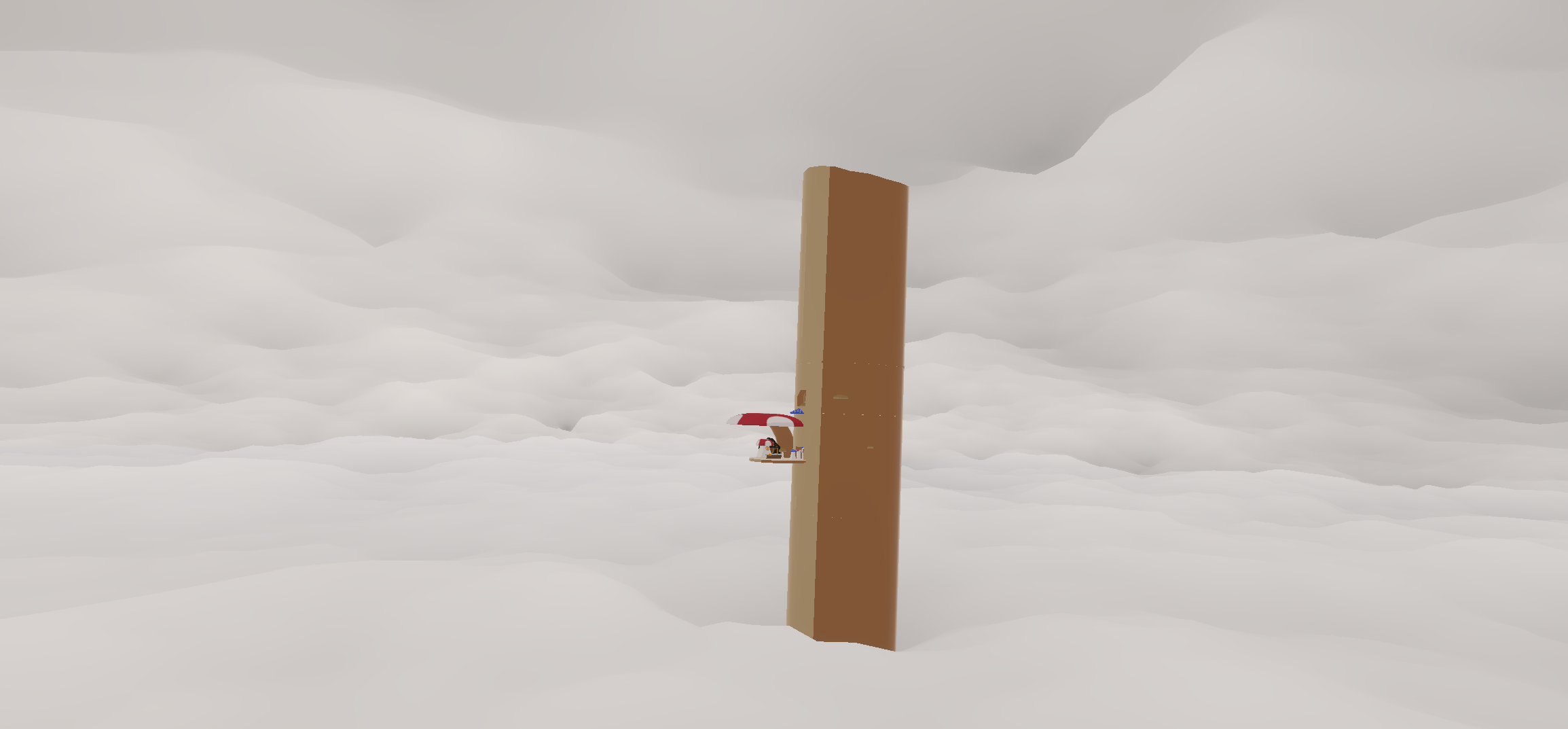
Since the scene takes place high up on a massive tree, the scenery consists of layers of clouds above and below. I followed some tutorials to create cloud shaders which I adjusted to fit the style and give off an awe-inspiring feeling. They move and change shape too, which really adds a lot. There is some basic hilly terrain under the clouds, but you can’t see it from up on the tree so it wasn’t a big focus.
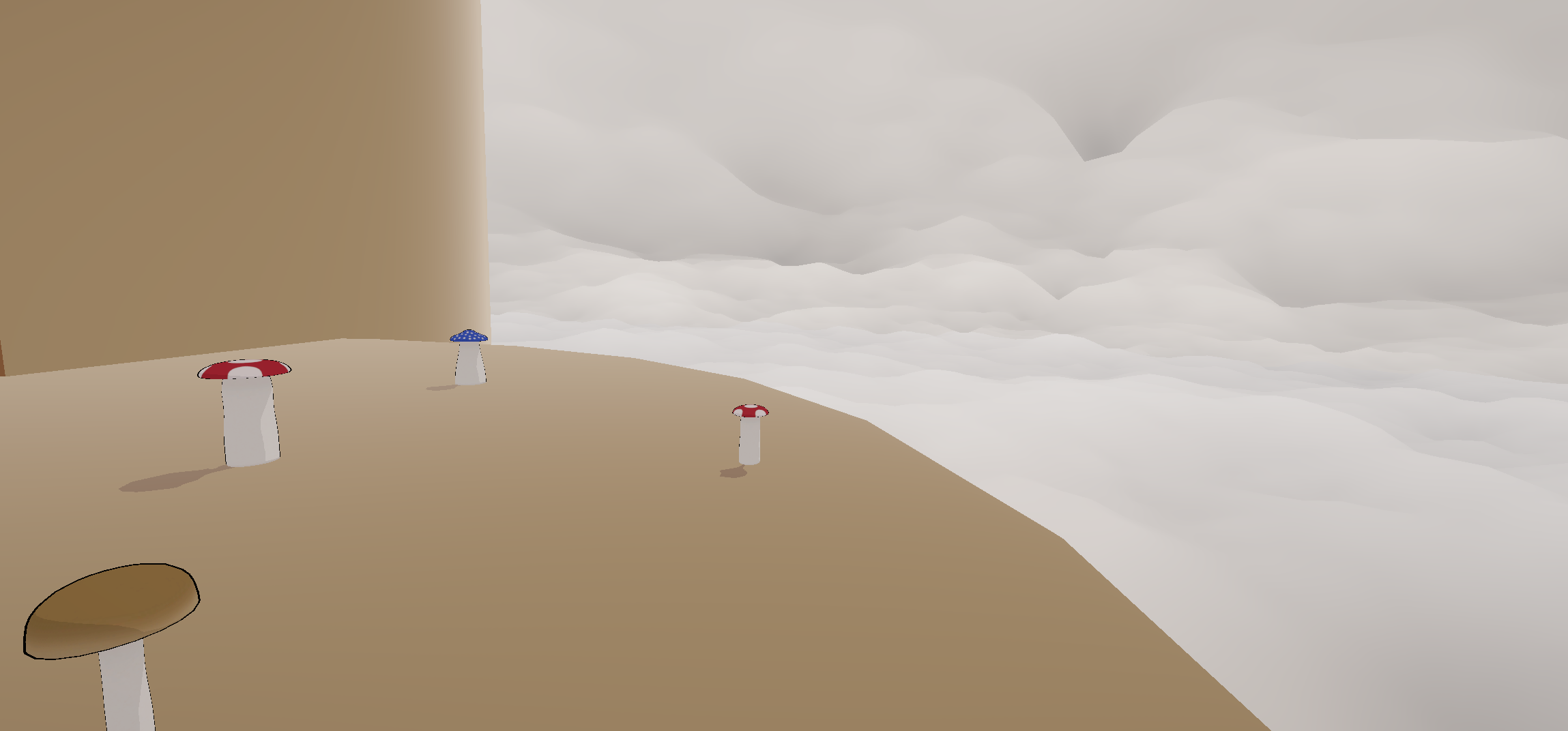
Well, that’s my scene for now! Feel free to let me know what you think about the assets, layout, aesthetics, etc!
The diversity in your mushroom shapes. Makes me want to grab one and compare them closer. The style of you’re textures are also really nice
Thanks! I originally planned to have even more mushroom variants, so it’s good that they feel varied as they are. I’m also glad that the texture style worked, it was a little strange how I applied textures in Substance Painter then transferred them to the cartoonish style in Unity, so I was worried it wouldn’t combine well in the end.
I’m really excited to see your continued work on the way your environment flows and how the player moves between spaces! I like the texturing you did on your wood specifically!
Thank you! I’ll definitely need to make sure the level flow stays good when I switch out the greybox models. The wood grains are one of the default Substance Painter textures even though I combined/modified a few wood textures to combine with them, so I’ve been wondering whether they’ll be too recognizable and if I should try to make one from scratch myself.
I like the look of that shader with the black outline of things. An opinion I have is that maybe the black outline on your objects should be thicker to further differentiate items from each other. I mention this because it appears that in your featured/first image you have a mushroom next to a building, and in between them a tiny sliver of your sky texture pokes through. The color of the mushroom is very light and attempts to blend in with the clouds, but this could be remedied with a black outline (if that makes sense for your art style of course).
I have played around with outline thickness some, but it’s a bit inconsistent based on the way the Unity Toon Shader renders them from the object’s geometry – I can try to play around with it more though. With the mushroom and the house, it’s actually not super clear from this angle (which perhaps means I should change something) but the house is built directly into the side of the mushroom so that’s actually all mushroom between them. I agree that it kind of looks like the sky is peeking through based on how the beam merges with the mushroom though, so I’ll have to take another look at making that transition more smooth.
I really like your color palette; with the majority of warm colors and the occasional pops of blue, it has an almost cozy feel to it. For the toon shader, do you plan to use it on all of the assets?
Right now I’m using the toon shader on everything but the clouds (which have their own shader) I believe. I considered having some objects without it so that more texture detail could show through, but it looked somewhat inconsistent. Right now the material on the tree greybox pieces don’t use all the shader’s features and have no textures or outlines since the UVs aren’t set up for them and things looked wrong, but I’ll probably end up changing that when I get proper models in for the tree.
I really like all the different types of mushrooms! Do you plan to place them by hand? Or use a scattering tool in Unity?
The interior of the tree looks great, and I think you’ve utilized the toon shader well to have a continuous style throughout the level! Are you planning on having a bark-like texture on the tree? I wonder if adding texture or even a larger branch off the side of the tree could make it more quickly recognizable
The small mushrooms are really cute and well made. I’m not exactly sure how the scaling works inside this setting but the way the mushrooms are all scattered around as not only as npcs but also as houses, floors, walls, and setting really adds on to the world view.