

While I have not yet gotten very far with texturing my assets for the modular building kit, I have been making progress in the process, such as working to nail down the visual style I am going for, along with creating my own custom smart materials to use within Substance Painter.
Since I am going for a more painterly look with my texturing, finding the right balance between detail and stylization has been somewhat difficult. Substance is very much geared towards a more realistic style for texturing, and as such I have been fighting myself a lot to avoid leaning to realistic with the features Substance provides.
Currently, my focus as been on bigger assets, like my walls and windows, so that I can nail down my visual style and work out any kinks in the process early.
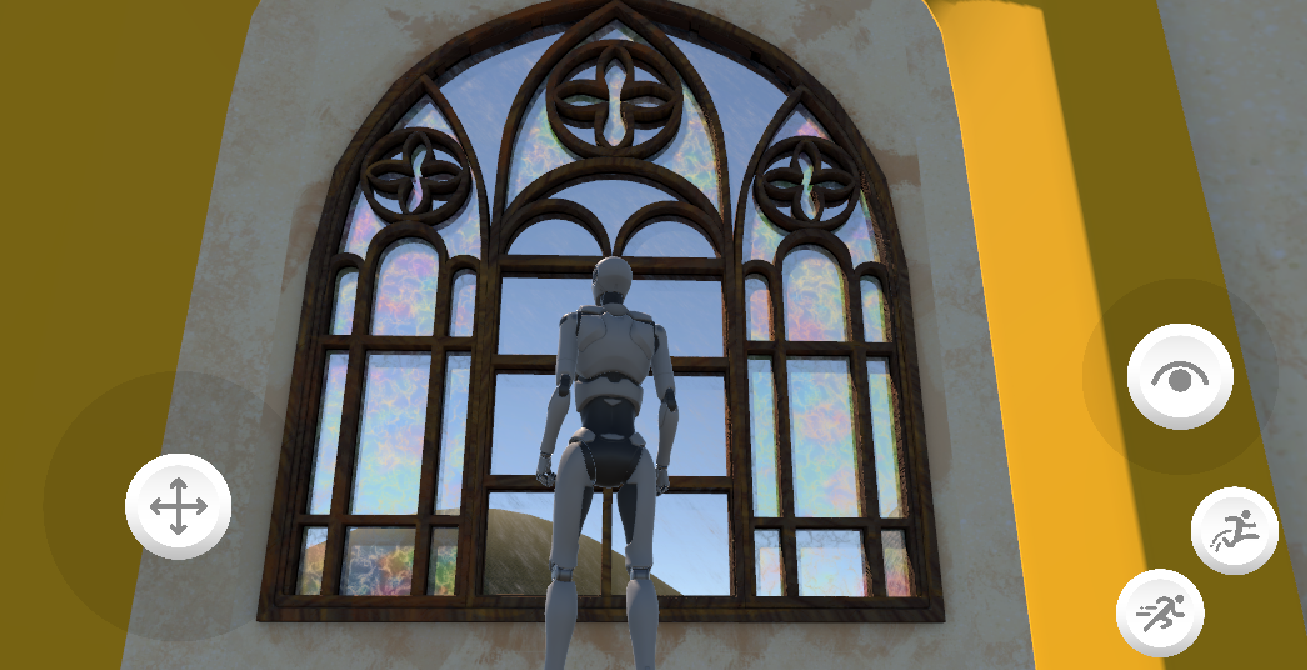
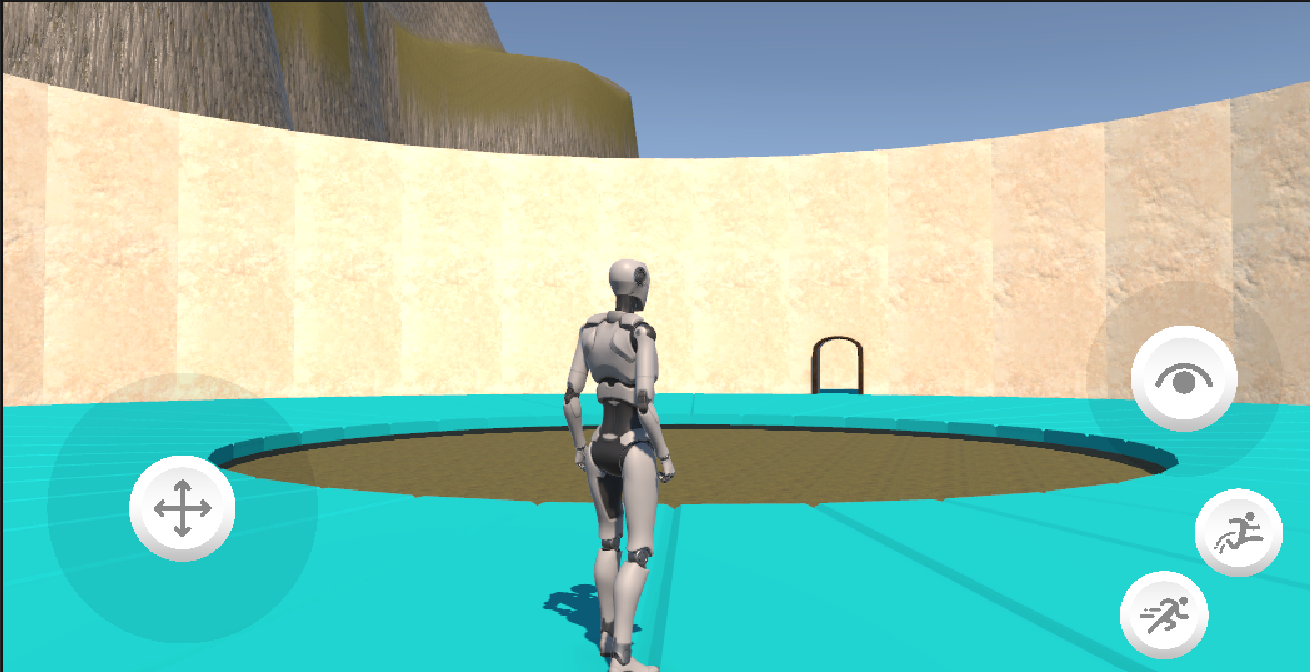
As of now, there are two things I am noticing once bringing my textures into Unity: My glass, while nicely colored and more opaque looking in Substance, loses a lot of its emphasis and detail when brought in game. This is something I plan to adjust to compensate for the change between programs.
I also noticed that my stucco texture doesn’t quite tile cleanly. I suspect this may be due to the extra details I added while within Substance, as my original painted texture does tile cleanly. Going forwards, I will make sure to make the majority of my tiling textures outside of Substance and pay extra mind to double check how they work together.
That window has such a pretty pattern! Clearly you’re a very skilled 3d modeler. I am very excited to see how the rest of the level looks!