SUMMARY
You take control of a blue bean-shaped character with giant hands called Manny. The premise is that he’s a construction worker, sent here to pound some nails which might pose a safety hazard for children. The nails are only found at the top of the taller wooden structure, but there are multiple intended paths which can get you there from all over the map. Since the map only contains models and not functioning playground equipment, the nails are currently unreachable.
Manny has three different animated states, being idle, walk, and pound. Aside from some unfortunate setbacks with the character state machine, I’m very happy with how these animations look. The pound move in particular has an exaggerated cartoon appearance which showcases the strengths of my simple character design.
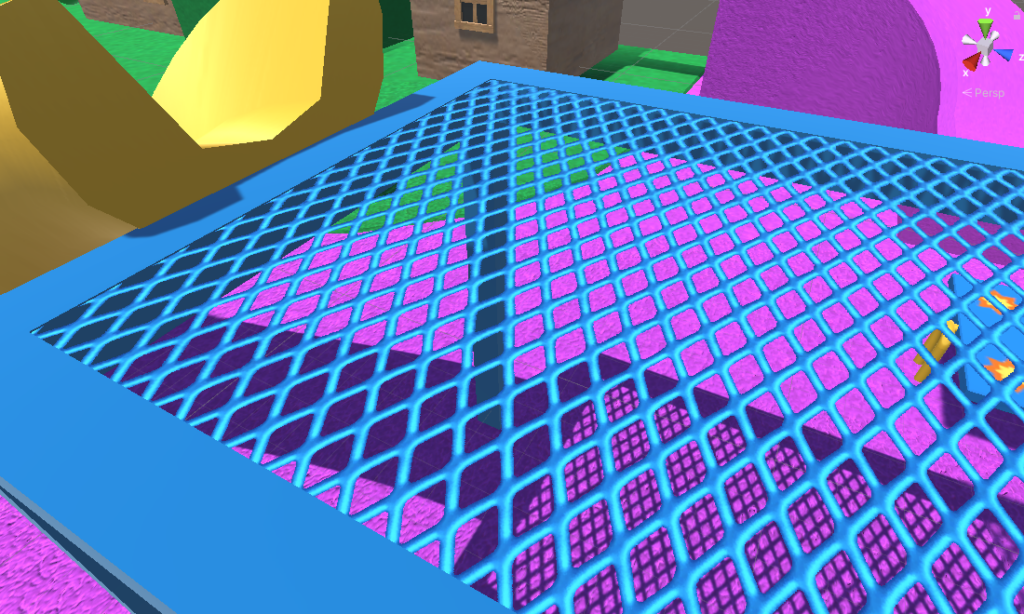
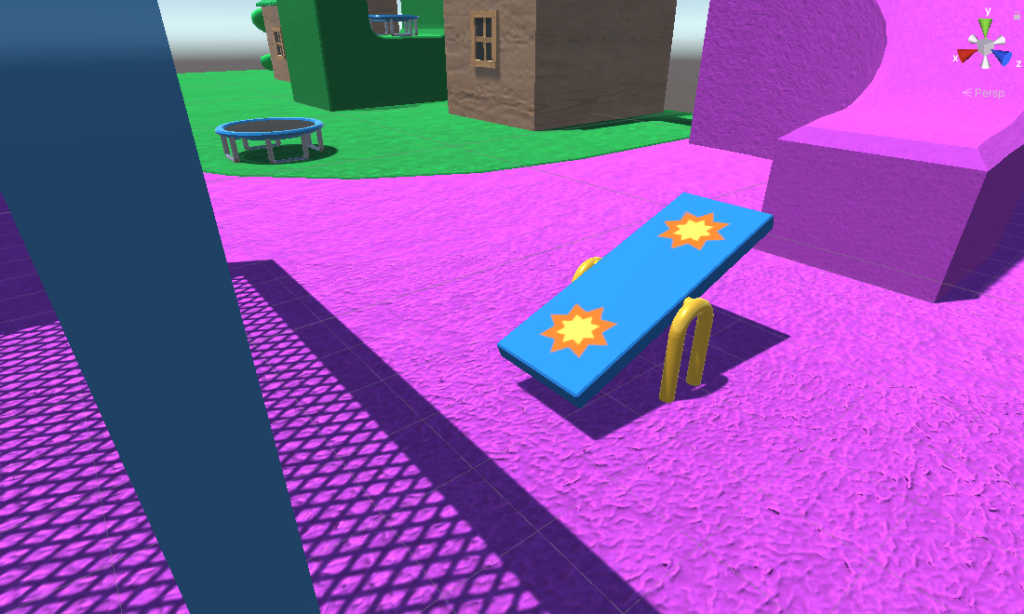
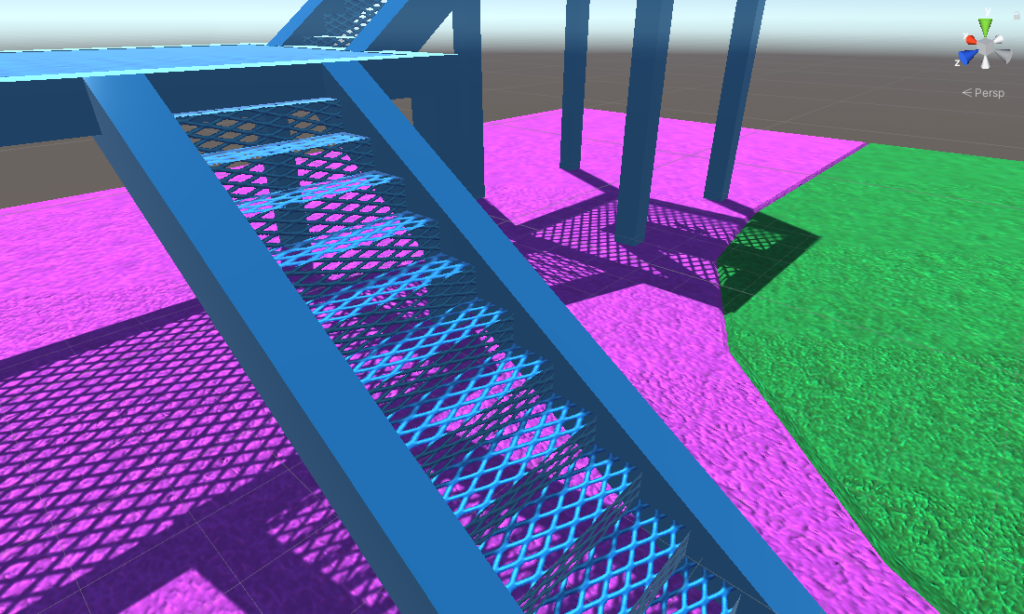
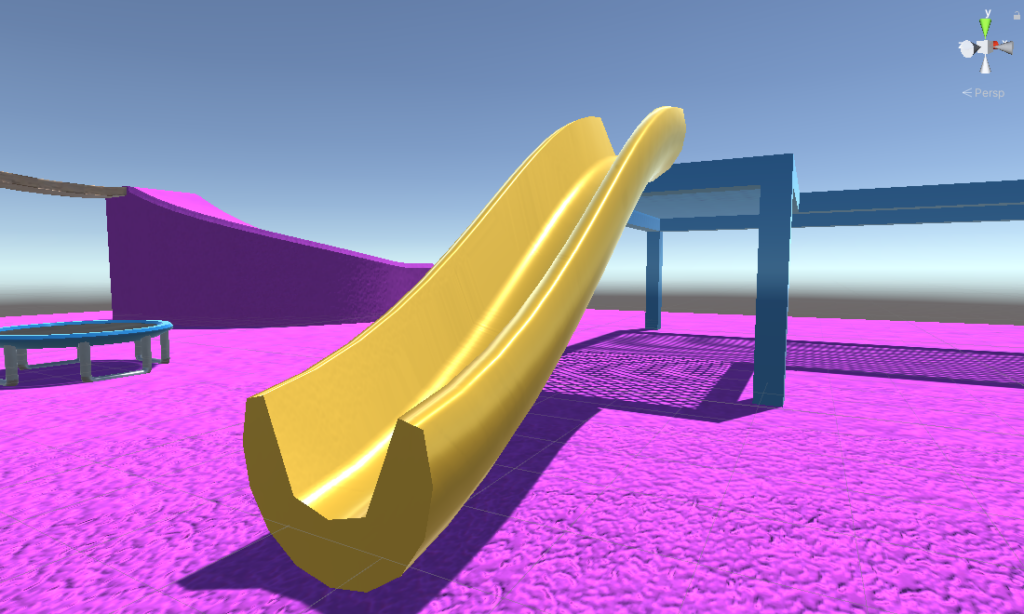
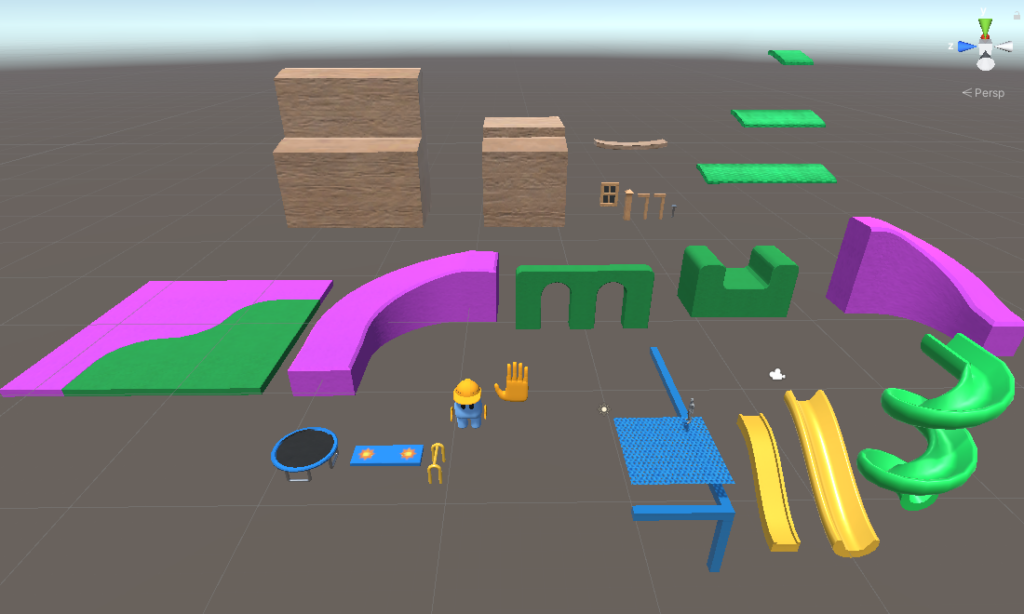
The playground setting. The pink side has grated platforms, slides, and seesaws which can be jumped on and tipped from side to side. The green side has wooden buildings with tiled roofs and fences. The idea was always for the game to be a playground, both literally and in the sense that it’s a playful, relaxed environment. So while the equipment might not function in the way I had initially hoped, the spirit of jumping and diving around a colorful playground came through.
All assets used in the game are original
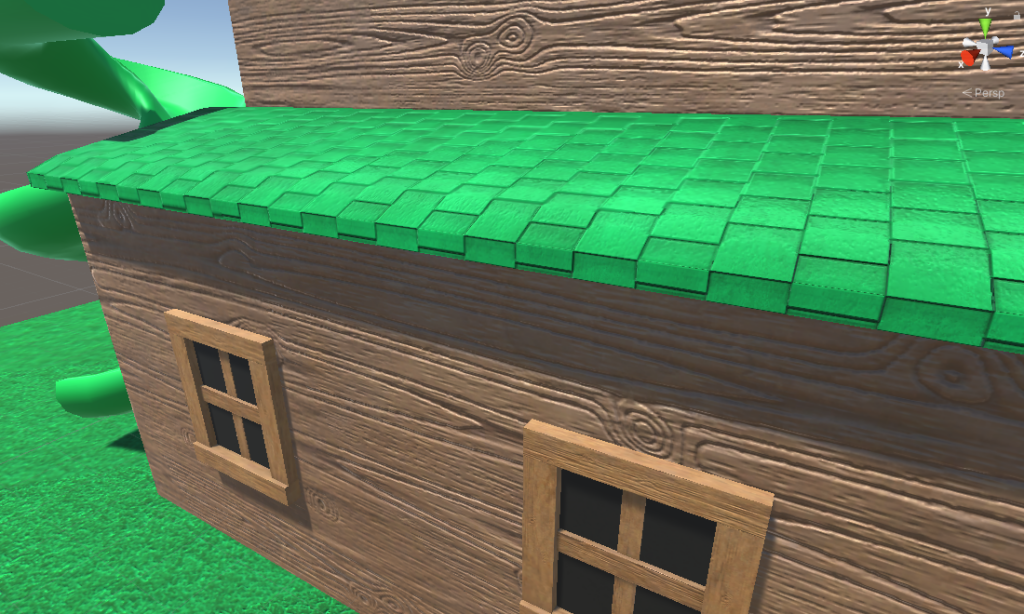
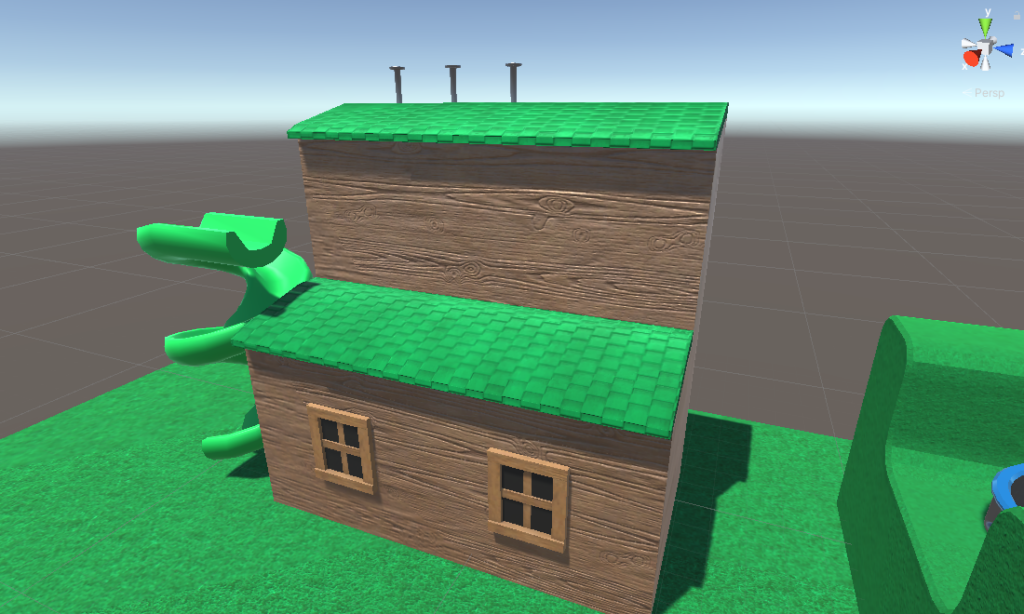
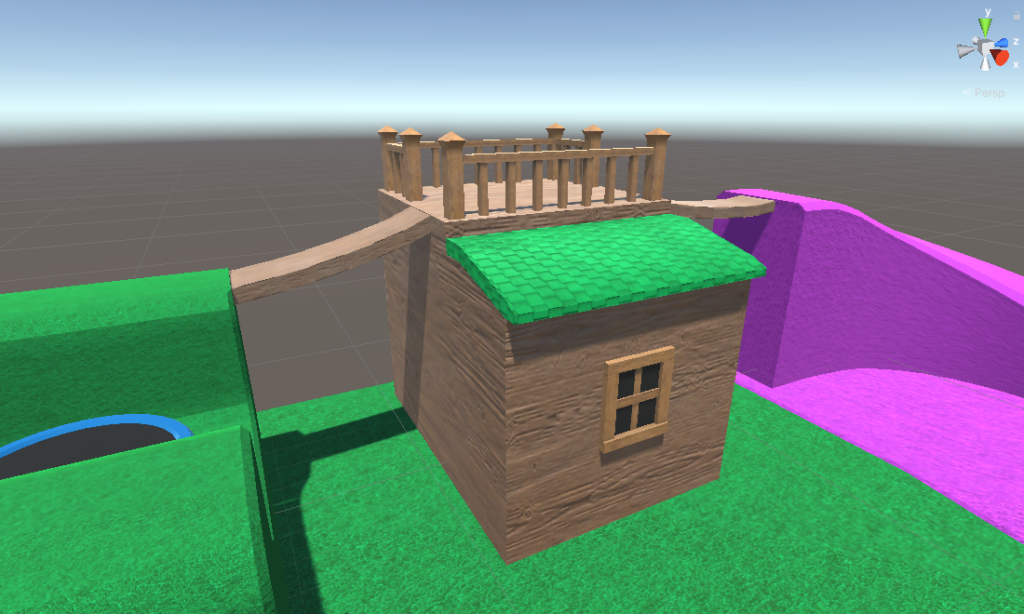
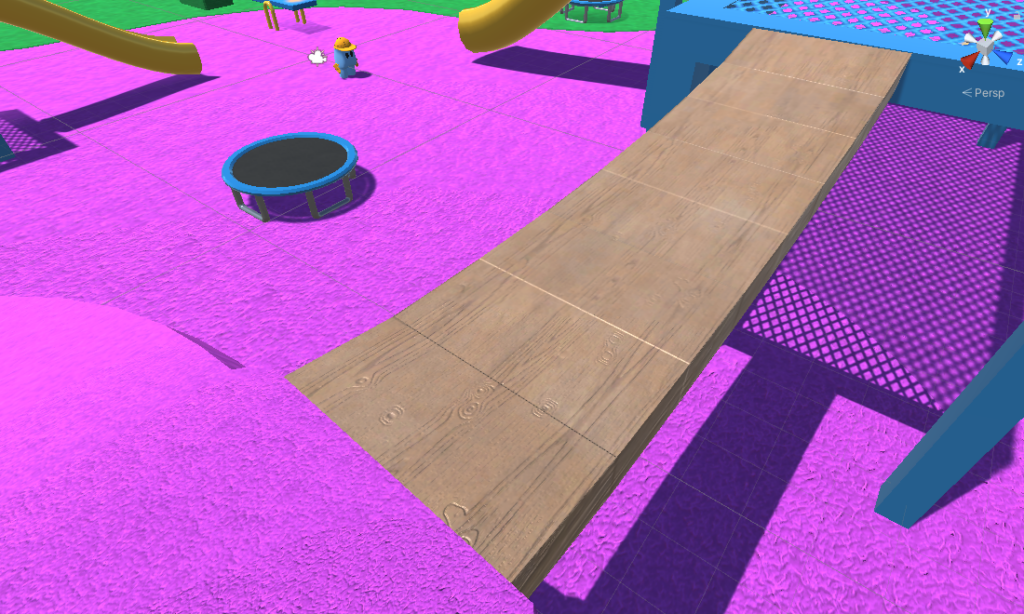
REFLECTION
This was a great learning experience for me, there was a LOT of growth that needed to happen. There’s way too much for me to get into everything I learned, but these are some of the more memorable lessons.
Manny’s disjointed body taught me a valuable lesson about working with rigs. Manny has all the animations in the game, but his hands and sometimes his hat have to move separately. The hands were also planned to have certain behaviors be independent of the body. All of this is to say it wasn’t immediately clear how I should animate this character. I could put everything on one rig, or I could separate the hands, or hat, or both. I could have them switch between being connected and disconnected between different animations. I even experimented with defining the hands as separate objects entirely, with their own animations and state machine. Since Unity had some difficulty understanding any animated behavior outside of what the rig is doing, I now realize that it’s best to keep everything attached. This did create a new problem in Maya where I wasn’t able to move the hat/hands far enough, but with a more time and a more sophisticated rig this would have been the ideal best solution.
On that note, I was reminded that your player character should be the first thing in your game. The player controller you will ultimately use should be up and running BEFORE any environments are built. This way, when your interactive objects inevitably fail to work, the problems appear one by one as you add in more objects. For this project, I added Ethan to the game after a couple weeks, and swapped him out for the final character controller near the end of the term. The latter change presented a whole host of issues, many of which are still in the game since I wasn’t able to squeeze in solutions at the last minute. ALWAYS start with your character, it is the game object which will have the greatest number of interactions.
Another technique I figured out was to use replacement meshes. Many objects can use simple box colliders, and I have some objects like the trampolines or the green terrain which are made of multiple box colliders. Sloped surfaces like the slides or the pink terrain needed something more intricate than boxes, but the complex mesh colliders gave the character controllers some difficulty walking. The idea I later had was to send lower poly models to Unity, make them invisible, and just use them for their mesh colliders. This would give the character an easier surface to walk on without limiting the quality of the visuals. It might even have the added benefit of helping the game perform better when there is an abundance of complex geometry. This was not necessary for me, since my game isn’t technically demanding and the final character controller didn’t struggle with complicated terrain, but I’m sure this would be a good practice for future projects.
I tried way too hard to be clever with the stairs, and it ended up being a waste of time and energy. Moving forward, I will NOT try to assemble staircases out of individual parts, I’ll just make the whole thing one model. It might not be modular design, but it saves a lot of headaches. I decided against this partially because I wanted to use cut-out planes for the steps, and partially because I was too stubborn to make new stairs after I finished building them the first time. In any case, future staircases will be fully modeled before coming to Unity.
The link below leads to a google drive folder with two zip files. HANDYMAN is the complete project file, and HANDYMAN-WINDOWS is the build for windows devices.
https://drive.google.com/drive/folders/1POBOEwIojtTtj6Lvifb6ewBf99rIvkfy?usp=sharing
I think your project turned out so cute and I can tell you put a lot of effort into it!
One thing to say is that you did really good work. The playground does give a great sense of playfulness and your animation of your character slamming is FANTASTIC. I can’t imagine what a nightmare it was to get that to work even after animating it to look smooth. Good amount of fall guys energy