For this semester, I was tasked with choosing a personal art practice that I would continue to work on throughout the course whether it had a lot to do with our curriculum or not. I plan to discuss six different times during these last four months when I worked on something related to this. Luckily for me, my choice was something that we worked a lot with throughout the semester. Almost all of our smaller assignments could be seen as work for my practice intention!
My choice was to get get a lot better with Unity and with making art that I could use in Unity for a game. Before this class, I had used Unity quite a bit but mostly just on my free time to try to get the hang of it. To an extent, it can be self taught, so I started to get better at it. In my opinion though, having assignments and deadlines for things forces me to learn better. This is why working with Unity and the art for my Unity games as assignments for this class has helped me so much more than just playing around with the engine on my own at home.
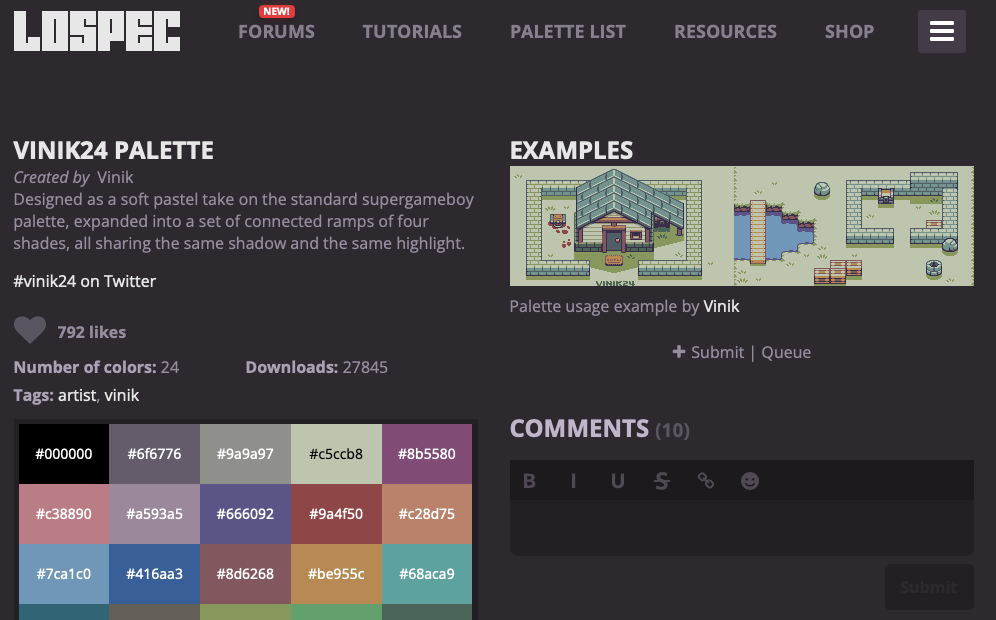
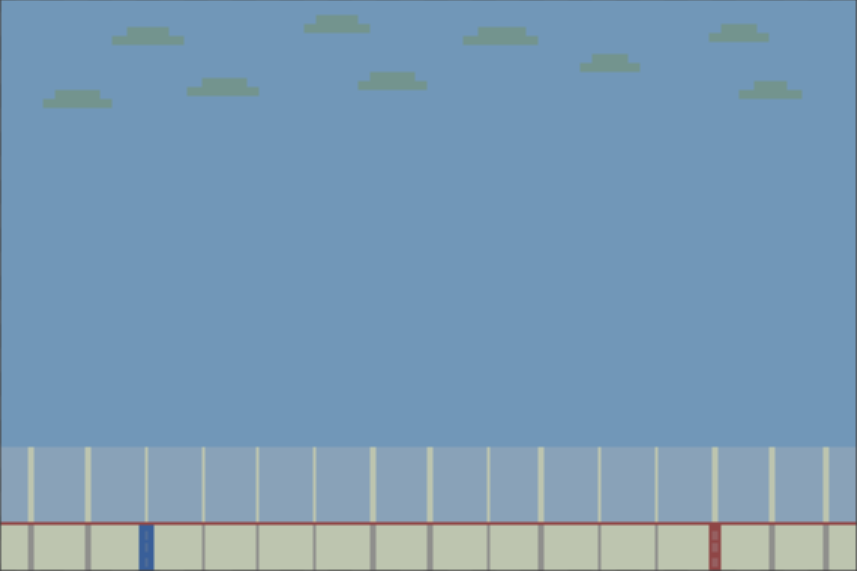
- 1. The first time I felt I had done something that I would count for work related to my personal art practice was when we started using photoshop to build assets for a 2D Unity game. I learned a lot about tiling, tile maps, photoshop, exporting/importing my own art, and building a 2D game’s scene in Unity. This actually might have been my favorite class out of the whole semester! I finally was able to build whatever I wanted for a scene without having to make really poorly designed art or going on the free Unity asset store. Even more importantly, I learned how to import my own art to the game in a way that allowed for building a scene or levels in such an easy way. The process made building my 2D game quicker, easier, and more repeatable! Lastly, I learned a lot about palettes at this point in time. I did not realize how important it was to maintain a standard color palette throughout a project, but after choosing one I liked and sticking to it I saw the difference that it made in my project!
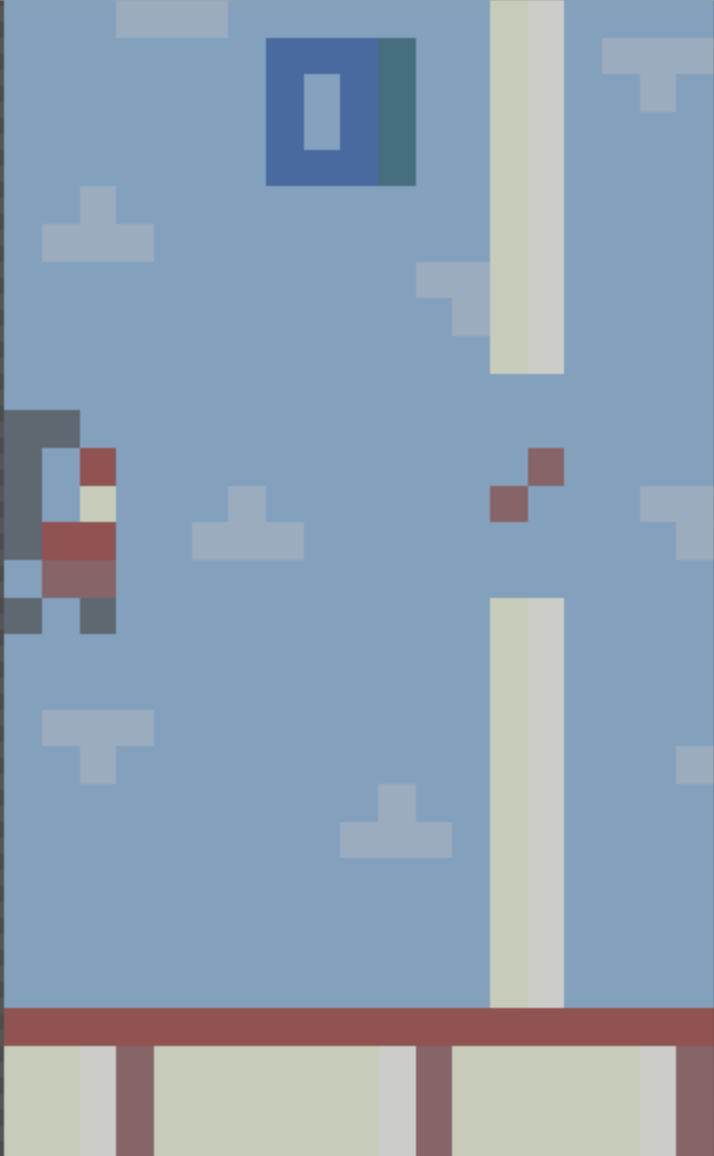
- 2. The second assignment that I count towards my personal art practice was the next step in the 2D game from term 1. We had to make our own character and other intractable assets for our game. The character was difficult to make because I kept changing it over and over to get it right. I still want to update it again! The other intractable elements I added to my game were the pipes (since my game would be like Flappy Bird). Lastly, I created a Jumbotron asset that would be for where my score would be placed as the game progressed. Unlike the first assignment, this one would not be for foreground or background elements. These are the more important elements of my game. They also would not be tiled easily like the background either. I practiced making the assets outside of Unity and importing them into my scene again, and even though the process was a bit different this time, the extra practice helped and it was starting to get easier for me to understand how to do that process.
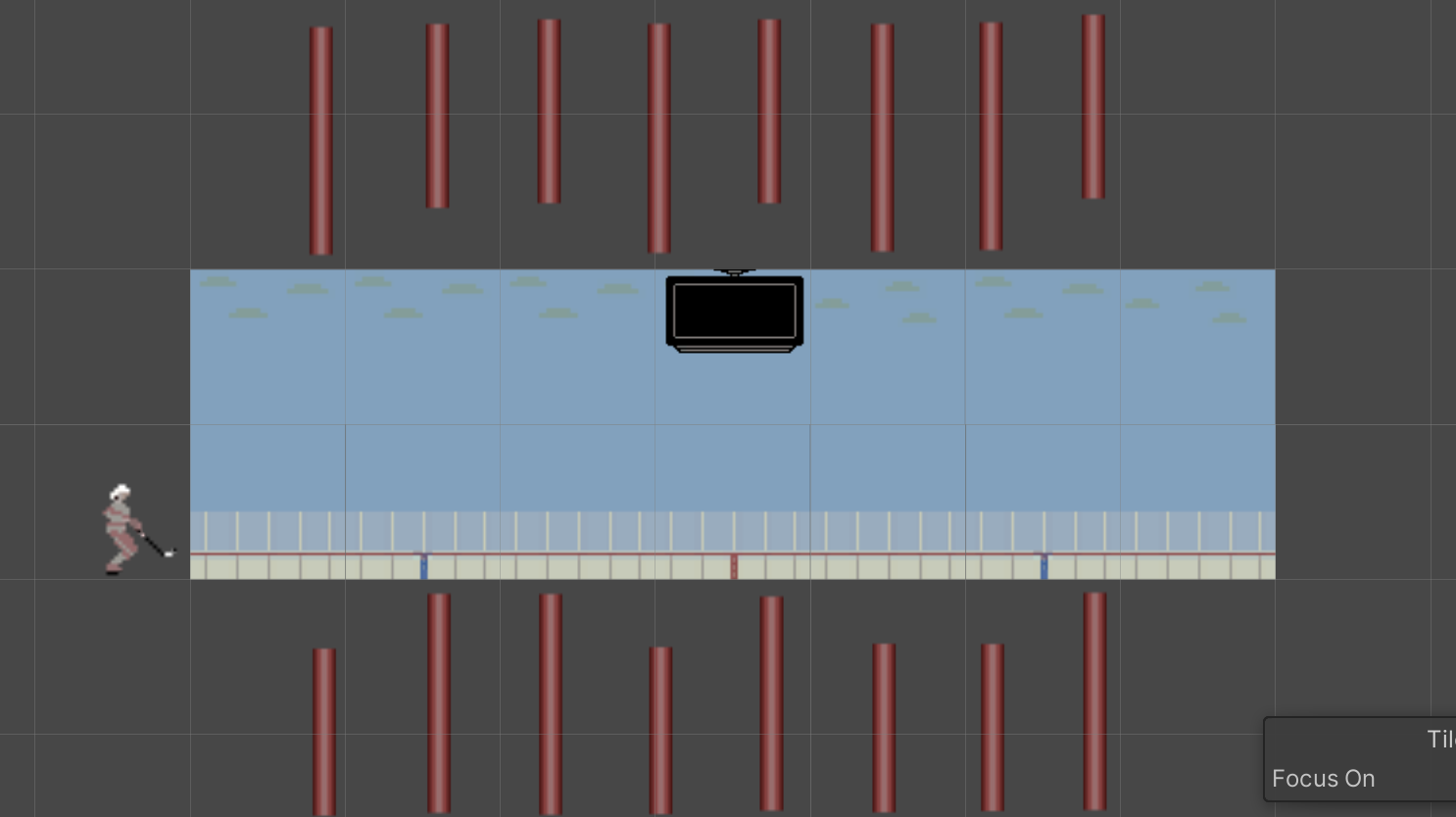
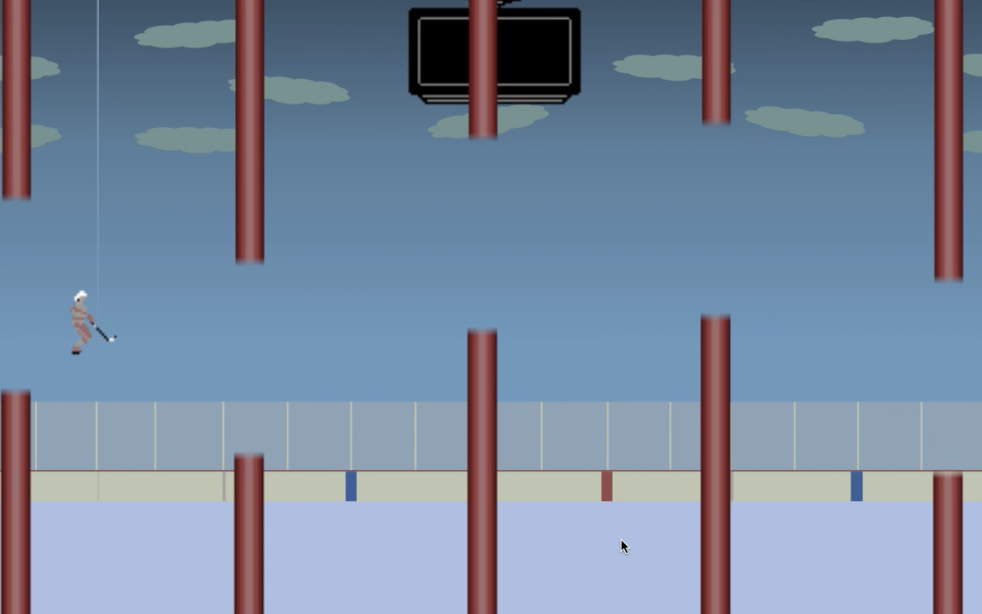
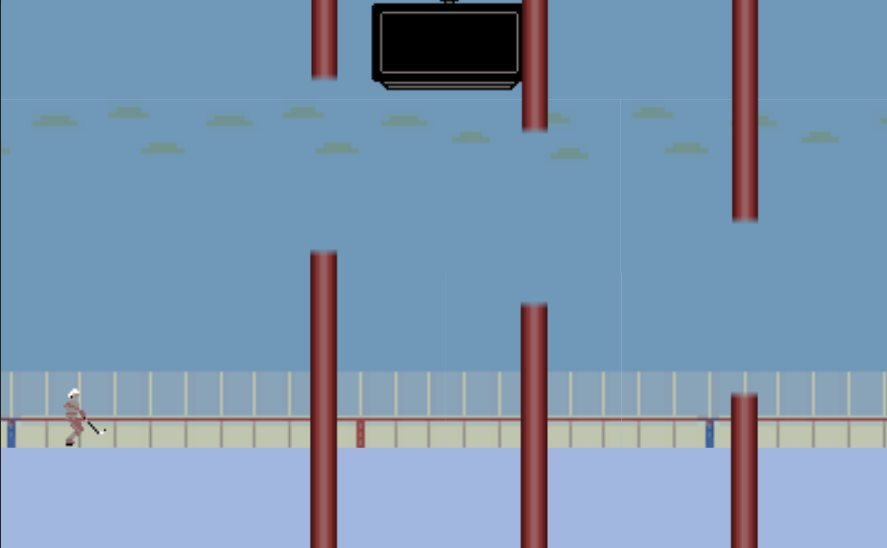
- 3. Although most/all of my personal art practice was consumed by this 2D game project, I still am amazed at how much it helped me. The third thing that I count towards the art practice was the movement and layering portion of the 2D game project. After updating my assets even more to help improve the look of my game, it was time to get all my assets on the screen and layered properly. I struggled a lot with getting things to be displayed in the correct z-positions (especially with the Jumbotron). Eventually, I learned multiple different ways of doing it in Unity and got everything in the scene in the right place. I also had to learn how to get things to actually move now which was another struggle. First, I learned how to get the pipes to move to the left after starting the game. What I did not know is that all the assets made the game slow and I had to implement a way in which the pipes got destroyed after they left the screen on the left. This was very important for me to realize. I also needed to find a way to get the player to jump based on presses of the mouse or certain keys. Eventually I was able to get this all working in Unity and the pipes now moved across the screen and the player could jump up on clicks to try to avoid the pipes! I still had a long way to go from here though.
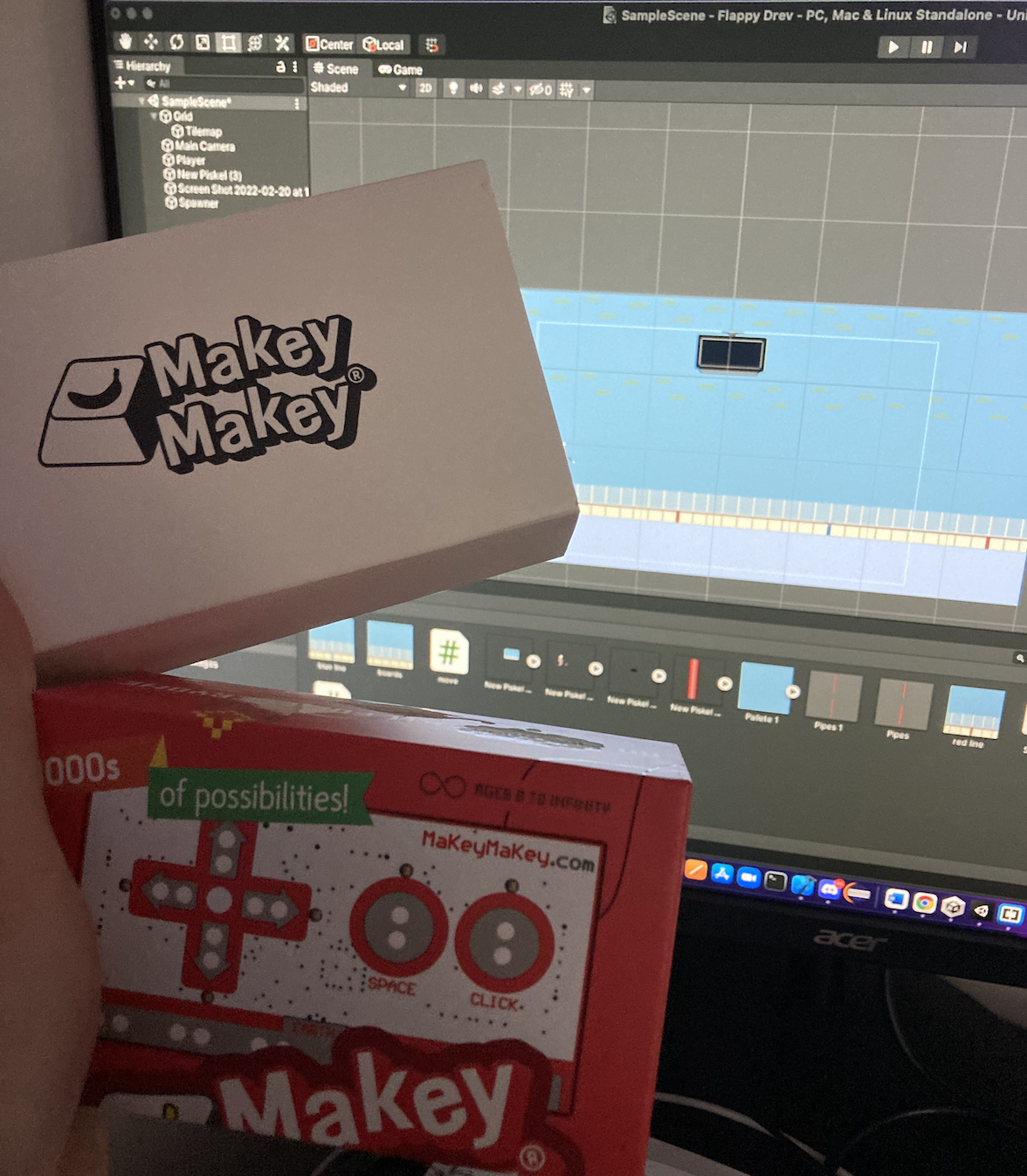
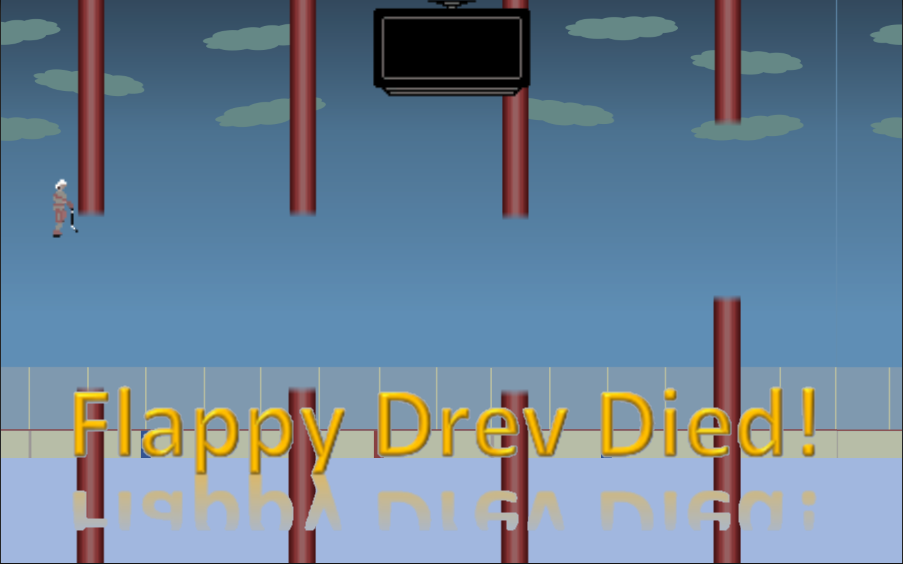
- 4. My fourth practice session came the week after when I learned how to implement controllers (like the Makey-Makey) and how to handle collision in Unity. Unity makes it very easy to do both of these things, but you first need to learn how to tell Unity how to handle them. The controller was a neat addition to the project that I had never learned before class and was happy to practice implementing. After trial and error, I was able to get the player in my game to jump by using the Makey-Makey as a controller rather than just using my computer mouse and I am happy I was able to get that working. I plan to try testing Unity games with all different controllers from now on to make my game-testing better and use this newfound skill I have learned. The collision was a bit harder to implement as it took a lot of work and had an even harder learning curve. Eventually, I was able to get the player to hit pipes and the ice and have the game over screen pop up when this happens. Before this, the game would just continue forever even if I had technically hit the ground or a pipe. I can’t wait to use this in my game and other games I make from now on! Unity is very helpful when it comes to both of these things but I needed to get my hands dirty and try implementing it in order to learn how to do it!
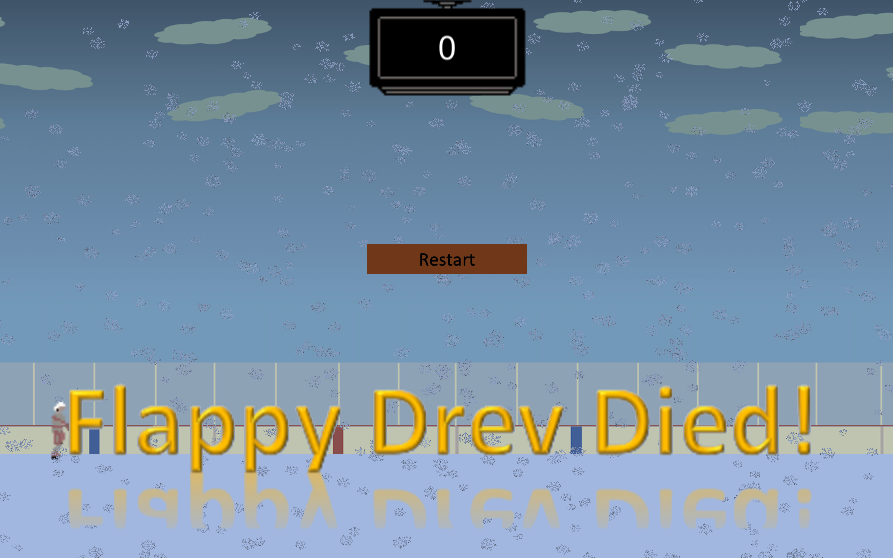
- 5. My fifth art practice session was a big one. My game needed functionality, animation, and polishing. Animation was a scary one for me because I have never even attempted it before in Unity. I was able to get my character to animate while flying through the pipes by creating several different assets that were closely related and practically making my character a looping gif animation. This was a very hard task for me indeed. Even harder though, was adding the functionality to my game. I had to learn how to incorporate state, keep track of score, give the player the ability to restart, and so on. This took a lot of coding. After this thought I feel as though my ability to add scripts to my Unity projects has GREATLY improved and I even got everything working as I wanted it to. The game was finally coming together nicely and I was learning so much about Unity and making the art and functionality for a Unity project. One big thing I focussed on when polishing my game was learning Unity’s particle effects. This is another thing that I had never worked with before but that now that I’ve done it feels easier! I ended up using Unity’s particle effects to create moving snow for my game, and this really made the game look much nicer in the end! This might have been the hardest art practice session for me but also the one that I learned the most from!
- 6. For my final practice intention learning session, I returned to my 2D game months later at the conclusion of the semester to practice completing projects. I find that I always work on something for a long time until it works and I like it and then I move on. I believe it is very important to see projects though their completion rather than to stop because finishing a project is a skill in itself. Unity is great when it comes to building for many different platforms and I chose to deploy my game on IOS so I could try it on my phone and potentially put it on the App Store. I practiced building what I had made in Xcode and testing it on my iPhone rather than just testing on my computer. I learned how to build and run it as an IOS project and how to export from Unity to Xcode. I then realized that things needed to be changed for the game to fit correctly and work well on a mobile device so I had to make several tweaks. Lastly, I wanted to add more to my game so it would seem more like a complete game (better assets, main menu, high score, etc…). I tried to get as much of this done in the last week or two of the semester. The more, the better! I was able to get a couple things done by the end of the term. A big one was the reflections on the ice! This proved more difficult than I thought (although I inadvertently learned about Unity’s reflection probes which are great for 3D games). I ended up adding the new asset to the game with the same movement as my background but flipped upside down. I then was able to make it look reflective by adding transparency to it and having the original white block of ice be visible behind it. I want to keep adding more to this game after the semester ends and fixing it up enough to put it on the App Store which I have done before with other projects!
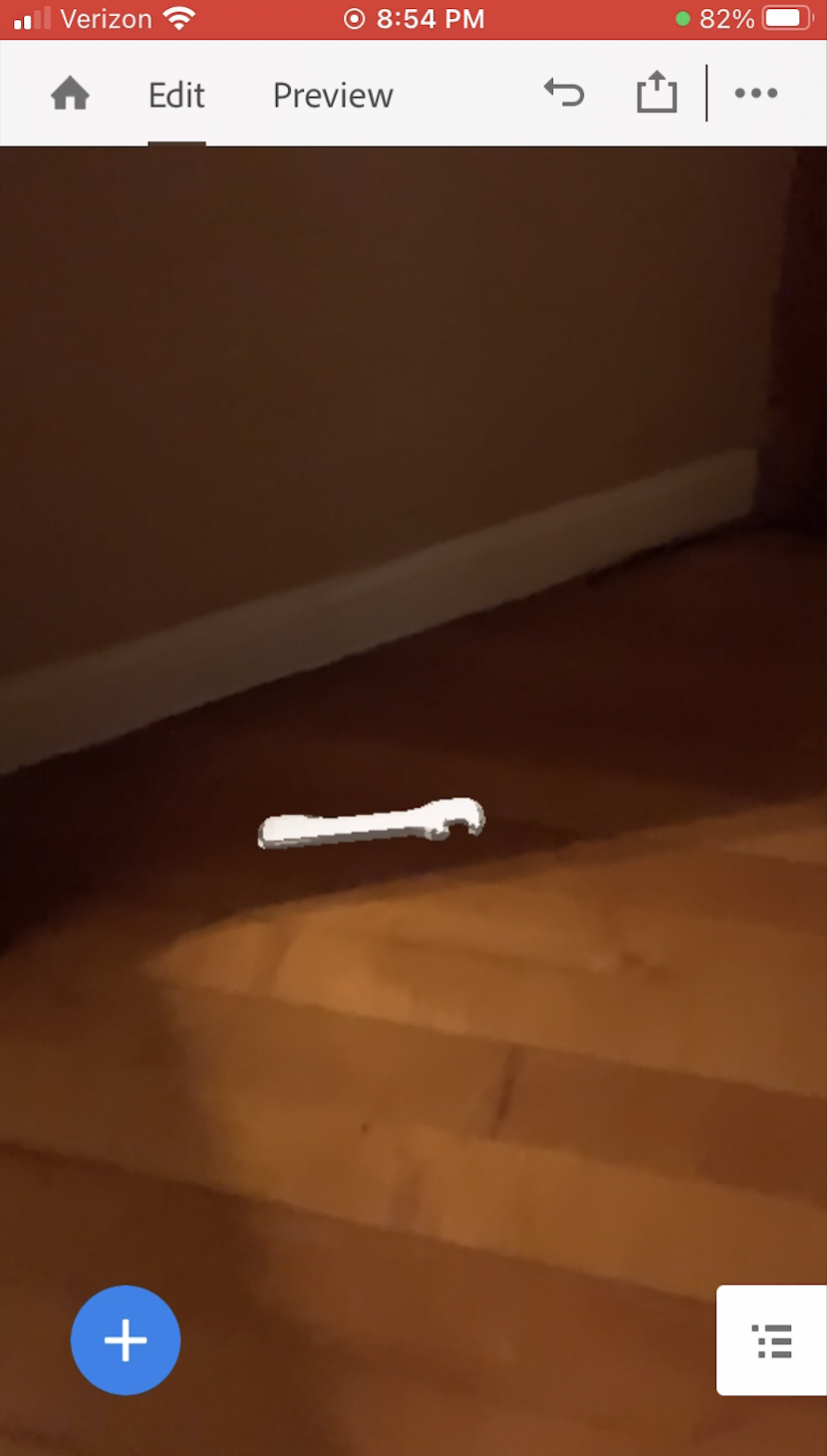
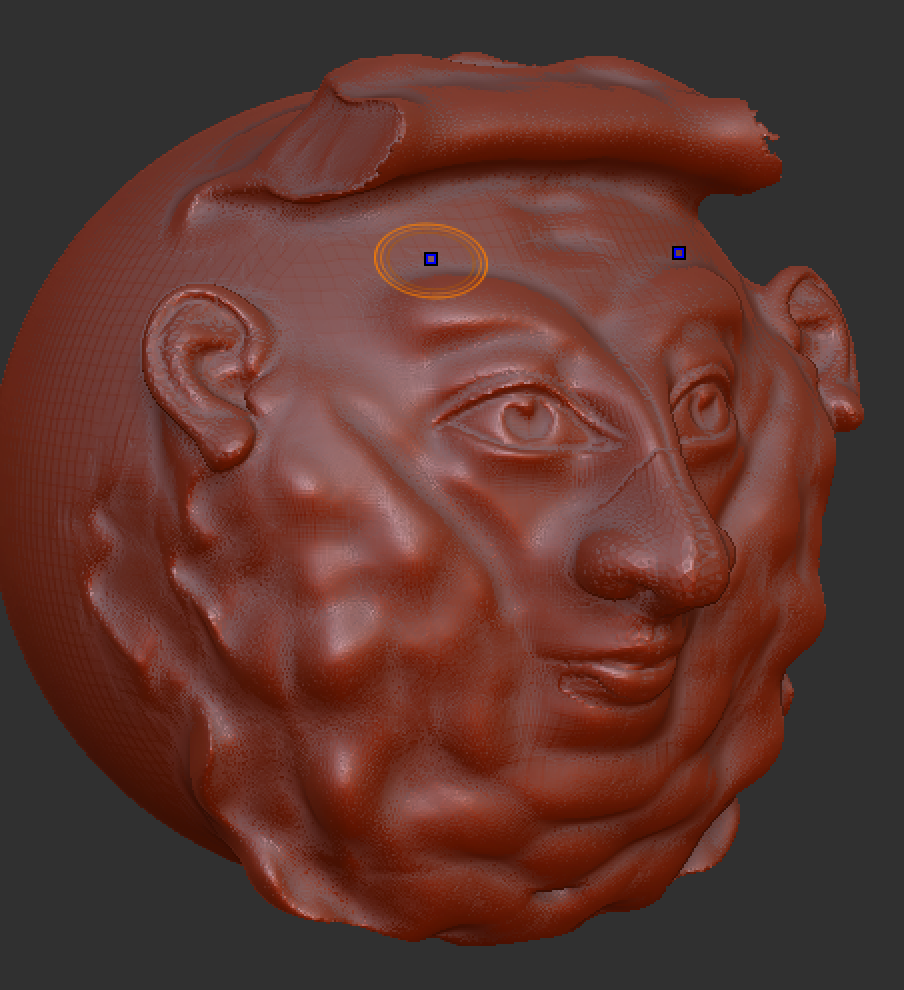
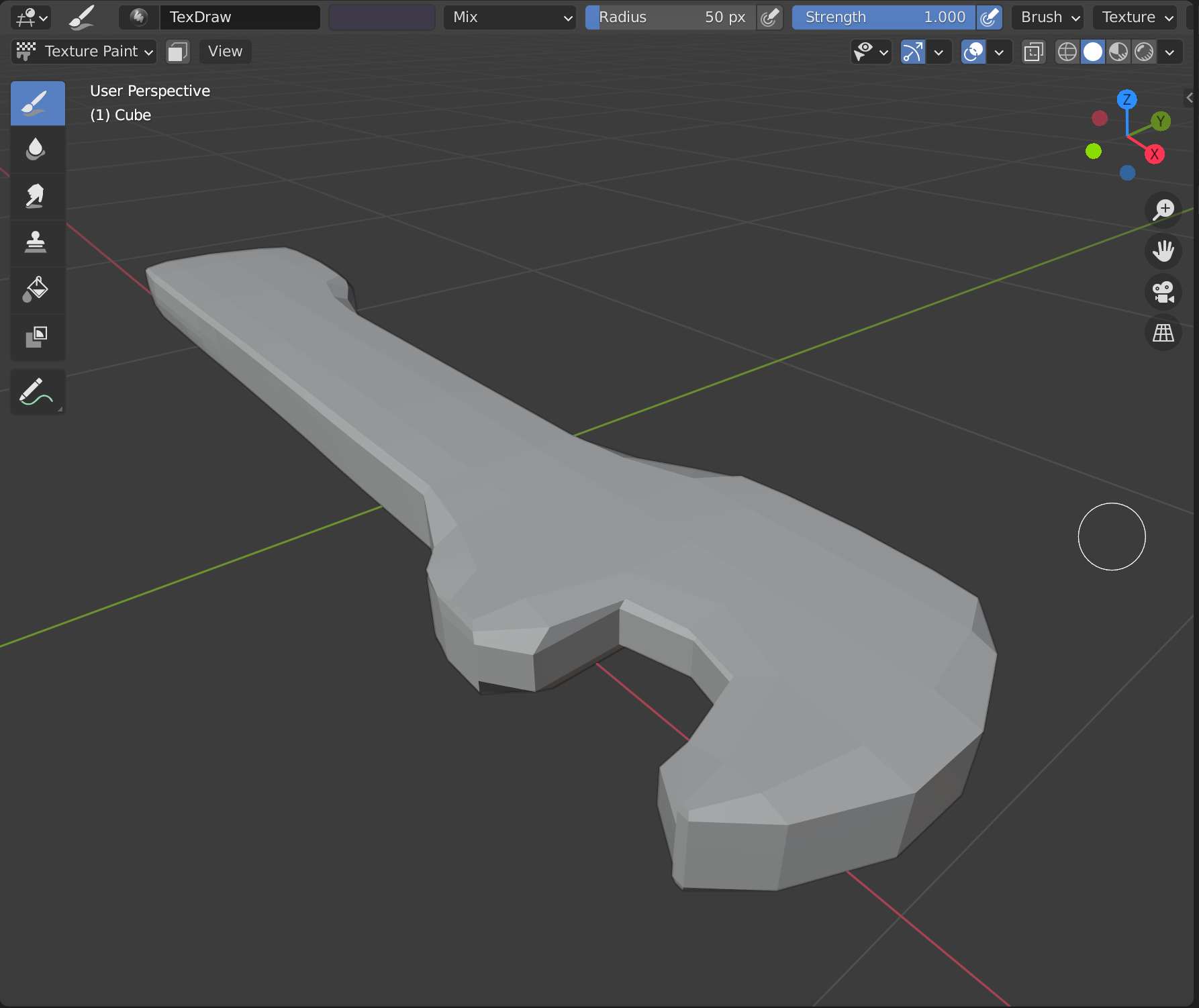
- Honorable Mentions: There are a lot of things we practiced throughout this semester that I also could have counted towards my practice intention. Most of the 3D stuff could have counted. I learned the process of low-poly and high-poly 3D modeling, texturing, animating, and even showcasing in AR. This stuff was all new to me and could certainly be used in a 3D Unity project if I want to get into that in the future! I have learned so much this semester from this class alone and plan on using almost all of it in the future! Unity especially has become less of a black box to me and I am excited to continue working with it after this semester ends!