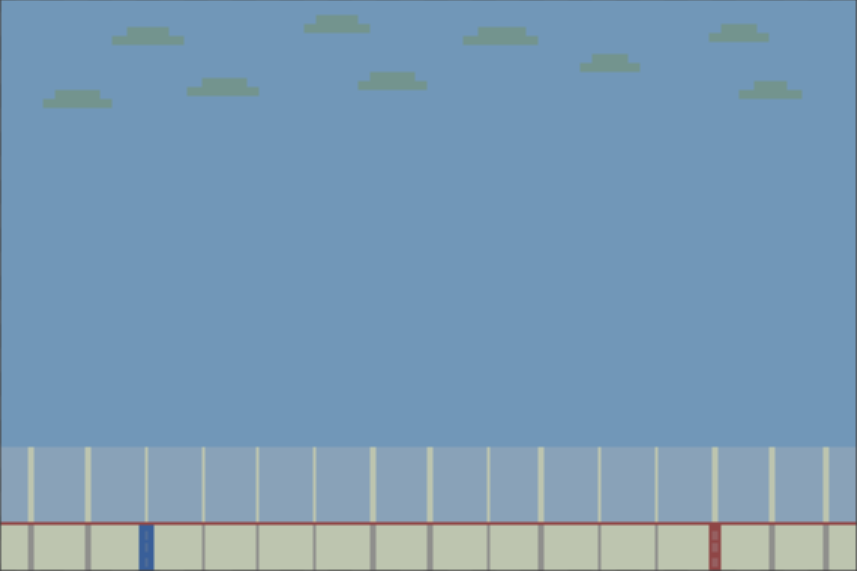
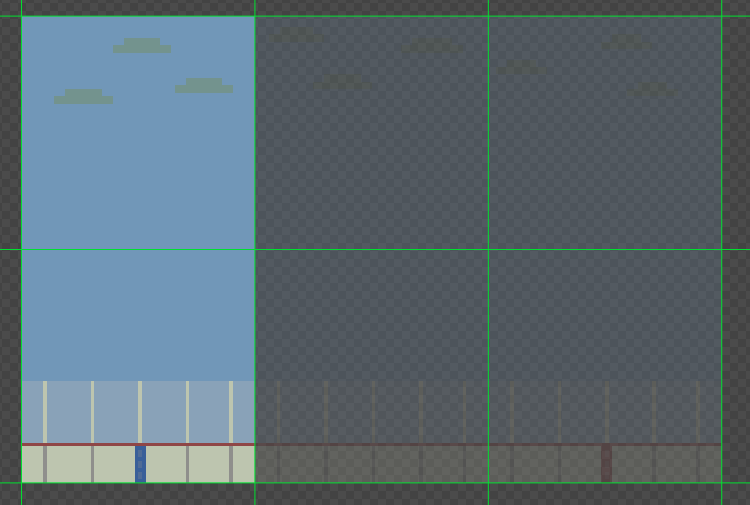
To get started making sprites for my game, I went straight to Piksel.com and started making my tile sets for the background. I made boards and then boards with a blue line and boards with a red line. I made different sky tiles as well so it won’t be the same cloud formation over and over in the game.
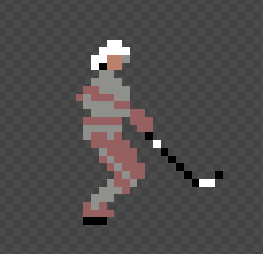
Next, I was able to make my simple character (me).

Next, I created sprites for the scoreboard and the “pipes” for the game which are designed to look like the goal posts of a net on the ice.

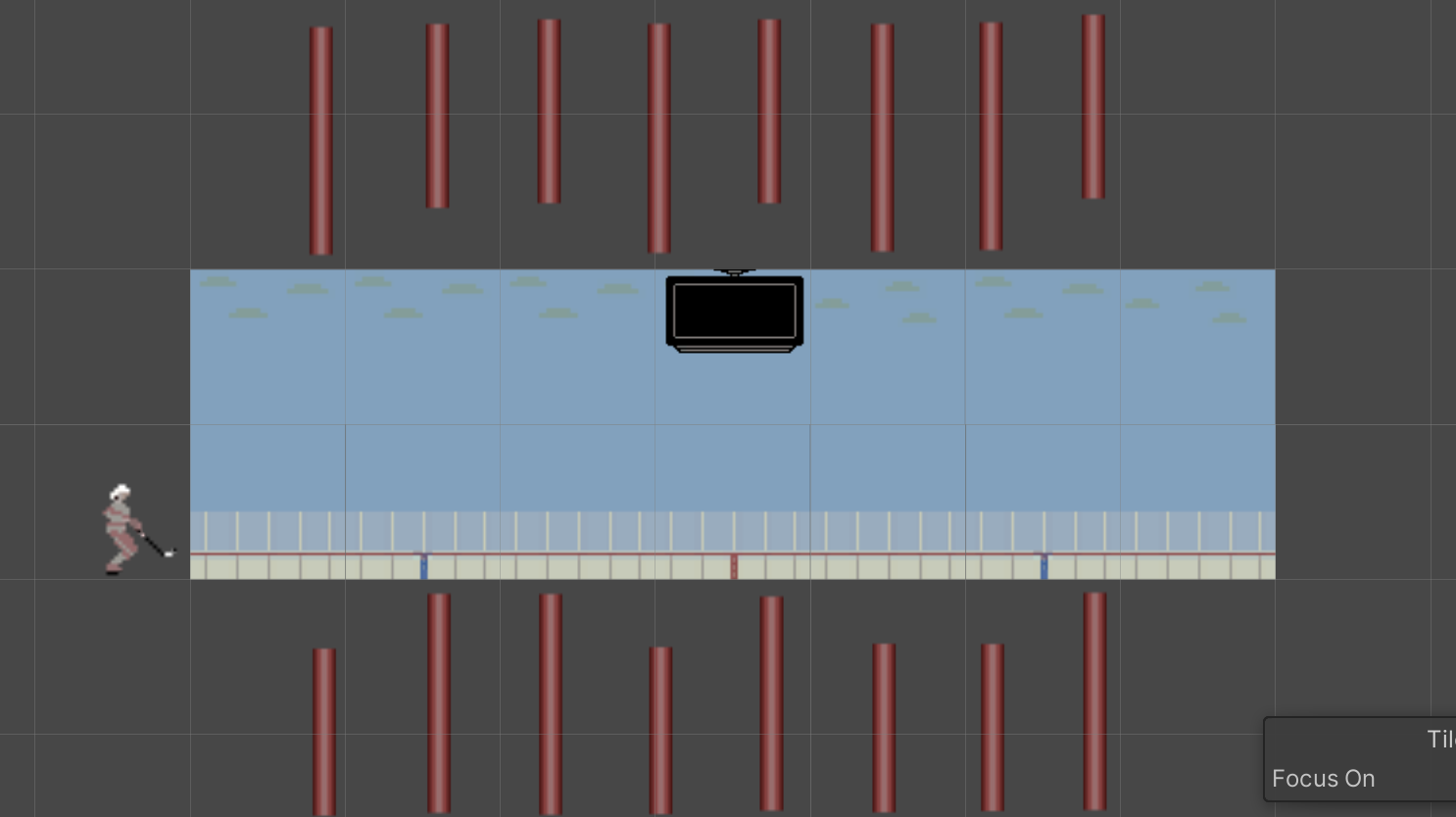
The pipes will be at different heights like in Flappy Bird to make the game have difficulty and so it does not get too repetitive. The scoreboard is empty now, but will be the score counter in the game. It resembles a jumbotron from rinks.
My plan is to incorporate other things in the game that make it differ from Flappy Bird even more, possibly some items to collect like pucks or sticks. I plan on adding these in throughout this week if I feel the game needs them.
I appreciate that you described the procedure of creating the sprite in detail and also mentioned the issues you met when doing the work.
What platform did you use to create your background and character? I saw you mentioned piksel.com but I didn’t reach the correct website I think.
I noticed that you mentioned that you want different clouds to show up in your game. And also you have different length blockers.
Have you thought about using random numbers to generate the different lengths of the blockers?
Claire, my mistake! I meant to say Piskel.com!
Qianlin, I have definitely thought about using random numbers for this project when I program it eventually!
Cool set! excited to see how your character moves around? Will they be flying around the screen? Where did you come up with the idea to have the rink outside, outdoor skating rinks are the best of both worlds. Your character has such great detail!
Darren, thanks for all the compliments! I kinda liked the idea of the rink being outdoors. It made the art simpler to tile as well. I might want to try to add snow if I have time!