For this past week, my goal was to tackle the hardest challenge I knew I was going to encounter with this project, which is CADing the frame for my infinity icosahedron. When it comes to robotics, I’ve always been primarily focused on the coding aspect however I have dabbled in Solidworks / other CAD softwares before for previous projects. So, I didn’t think CADing a simple shell for my project would be particularly difficult, but this week I found out I was unfortunately very wrong.
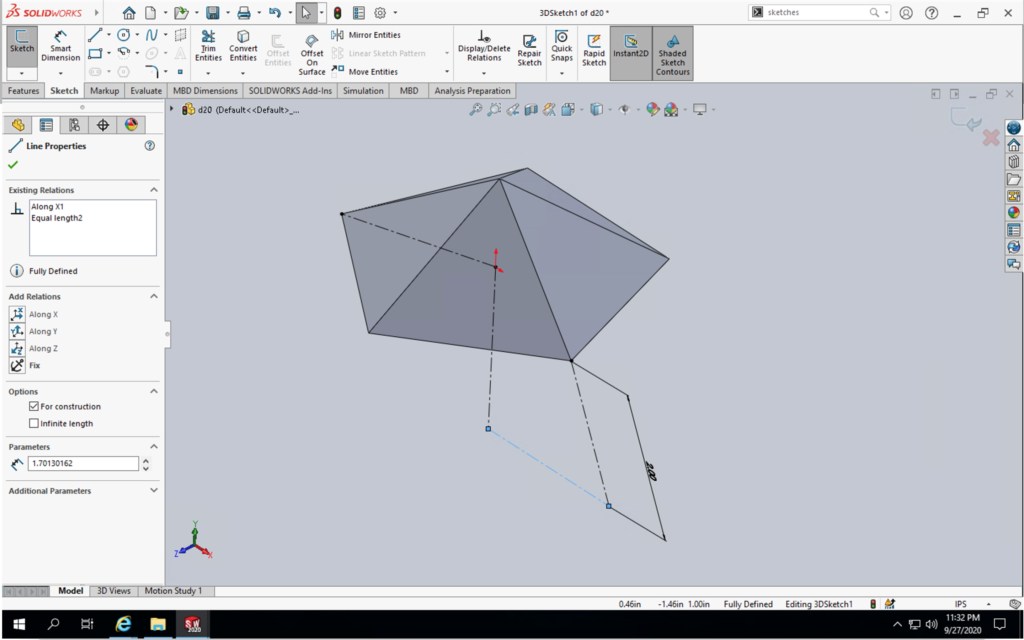
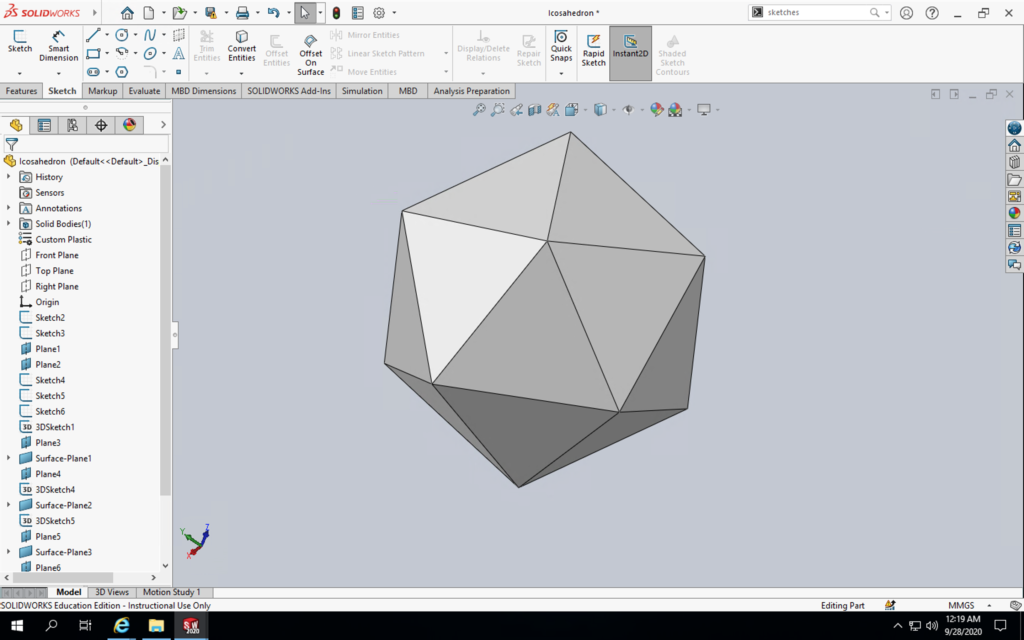
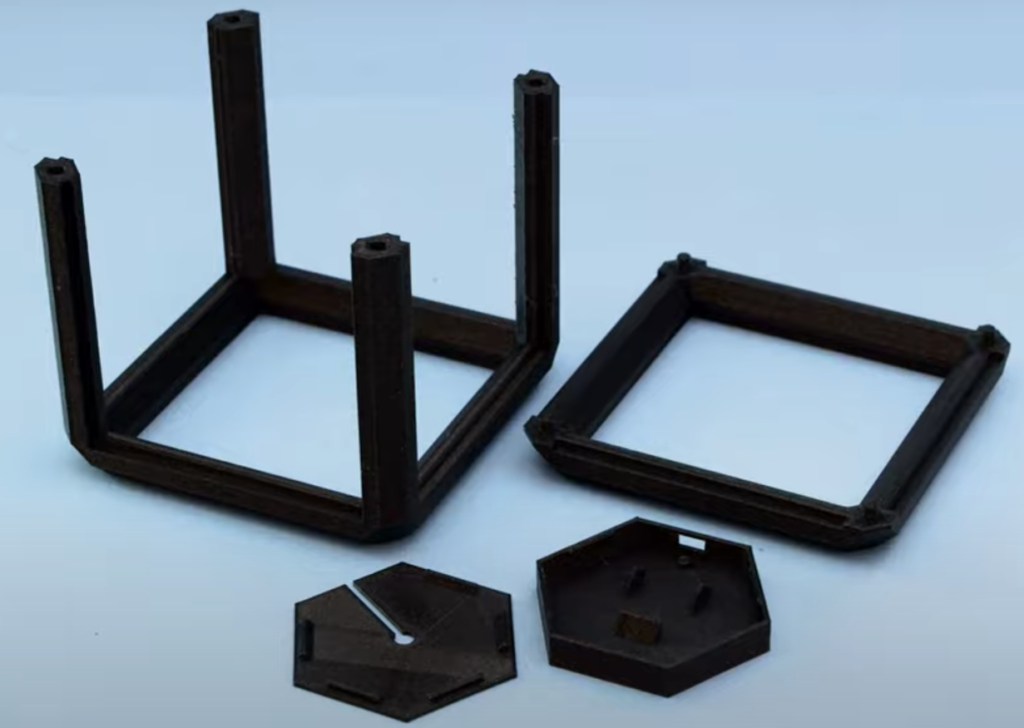
I started out by just jumping right into Solidworks without using it in over a year and tried to follow the first tutorial I found on how to make an icosahedron. As you can see by the first image on the right, I didn’t get very far until I was completely lost on how to continue following along. So I ended up spending a few hours going through some Solidworks tutorials to relearn the basic, and eventually came back to following a different tutorial and was able to successfully create the icosahedron. From here, I have an idea on how to hollow out the icosahedron as well as extrude triangles on each side to achieve an icosahedron equivalent frame as the infinity cube frame on the right. My friend who’s a Solidworks god agreed to come over and walk me through these steps for finishing the CAD model sometime after Monday’s lecture, so I should have the model finished by the end of today (Monday) and get my 3D printer printing 24/7.
In the meantime I have also done more concrete planning on how I want to break down organizing and programming the individual LED covered edges of the icosahedron. Last week I programmed a proof of concept of using my Arduino to separate input music into 7 channels of frequencies, assign each of those channels to a strip of 9 LEDs (each strip representing 1 edge on the icosahedron) and then manipulating each LED strip to react in respect to how loud their corresponding channel was. The first change I decided to make to this was reduce the number of channels from 7 to 5 since icosahedrons have 30 edges I was finding it difficult to distribute the 7 channels in a good way. However instead of straight up removing 2 channels I’ve instead taken the 3 highest frequency channels (which are also the least used) and assigned them all to 1 channel in a way where it takes whatever is the loudest channel out of the 3 at any given time. I’ve also decided to assign the left and rightmost edges of the icosahedron to only use left and right ear frequencies respectively (and then the middle edges will still use the combined left+right ear frequencies). Finally, the main feedback I got from last week was to implement more colors into the visualizer, so I’ve currently been playing around with different ideas that will trigger the bands to change color. If you have any ideas feel free to let me know!