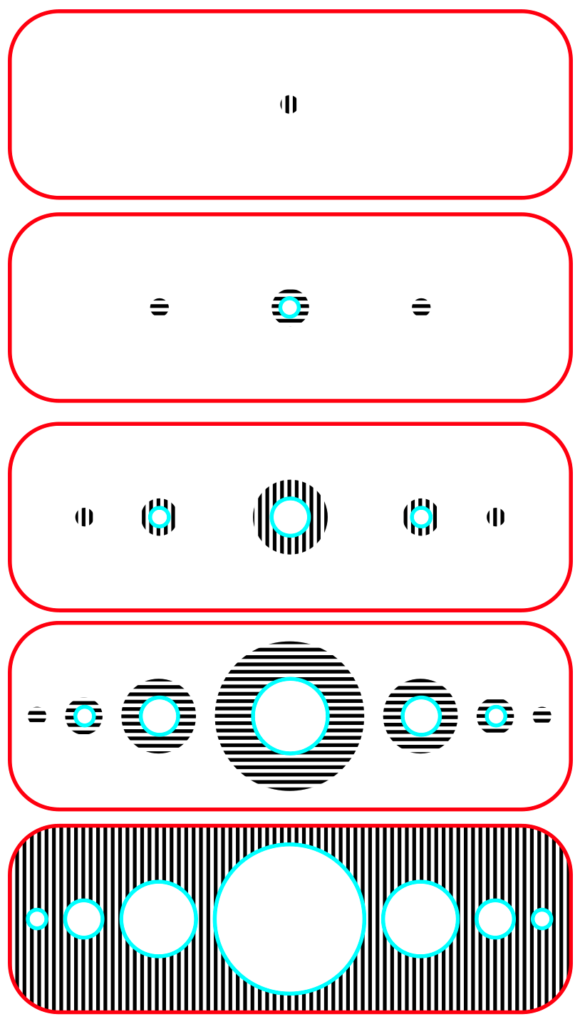
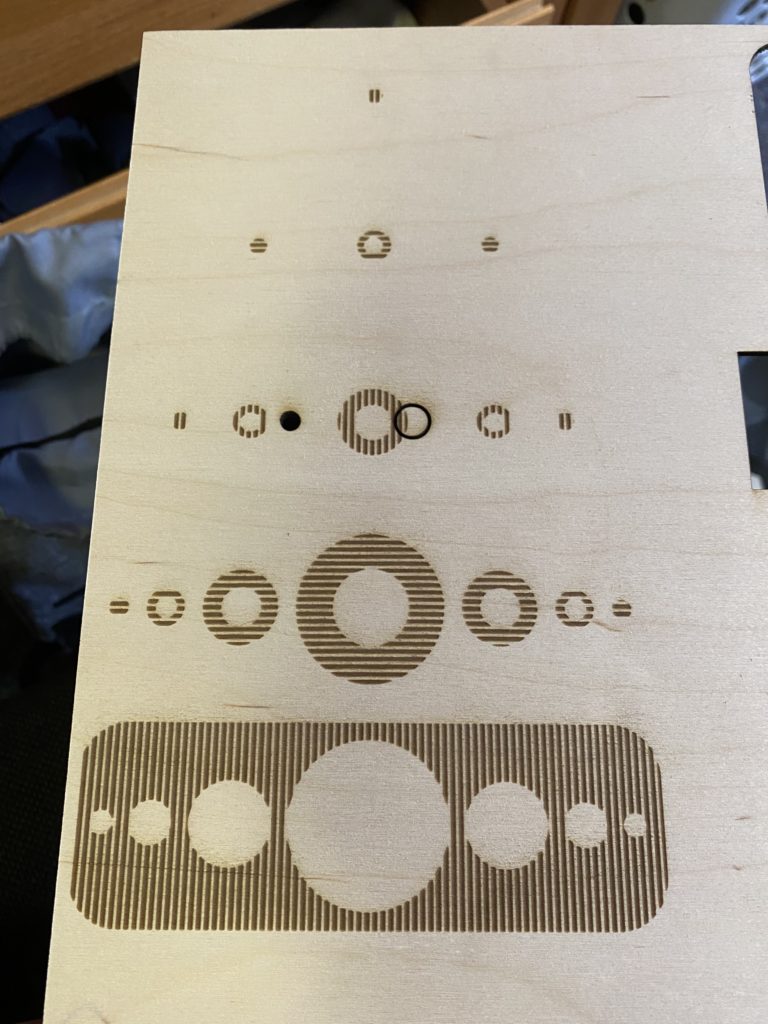
I am going to add some more texturing to each layer with raster engraved lines, but I had some issues with Inkscape and Retina Engrave and so I wasn’t able to get my 2nd draft for class today. I added the lines with a fill pattern in Inkscape. When I load the design into Retina Engrave, it interprets the pattern lines as extra vector cuts which for some reason shifted the whole piece a little bit 🙁 I finally ended up downloading a trial of Parallels on my Mac to run Retina Engrave, so I can make sure my design is ready to cut which I highly recommend: https://www.parallels.com/welcome-trial/


Hi Sameer! I appreciate the designs you added to each layer, I think it will add a lot to the finished piece. Have you thought about coloring or staining the layers?
The textures you added add a lot of interest to the piece. Did you use software to generate the texture lines or some other method? It might be cool to alternate which layers are textured, so that it creates a cool concentric effect.
Hi! I was interested by the alternating directions between the layers for more contrast. How did you plan to display the piece?
Hi Sameer! I appreciate how you positioned your lines. I thin they create a cool allusion. Have you thought about how you are going to finish the wood? A color or stain?
Hey Sameer! I am intrigued by the alternating line pattern contrasts with the concentric circles. It is a nice addition to the final design of your piece and I like it. I’m sorry the laser messed up your first cuts. Have you thought about how you want to finish your piece and display it?